Playback sound cannot be heard or is quiet
• Check the connections and volume settings of the speakers.
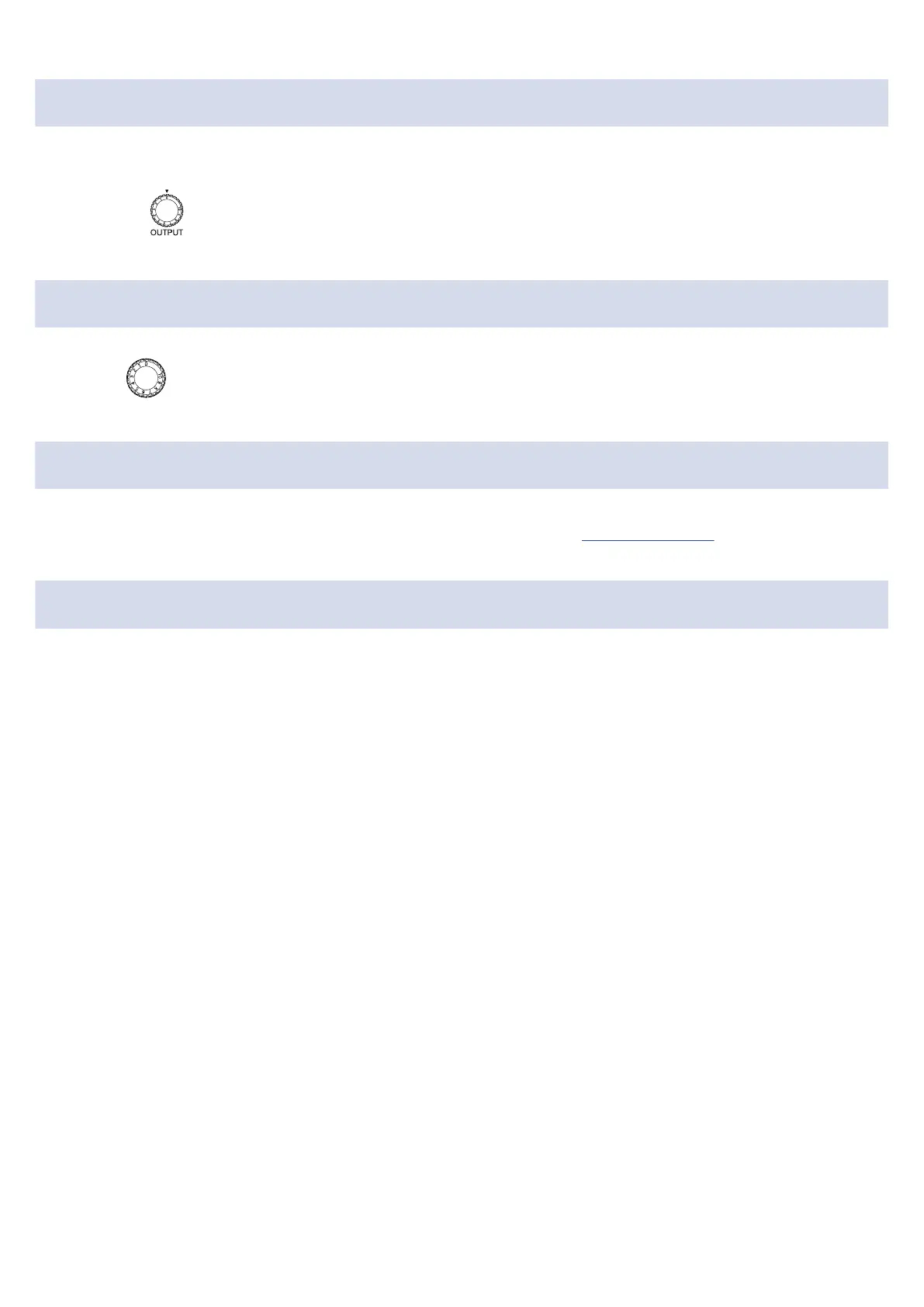
• Adjust the OUTPUT knob.
Recorded audio is too loud, too quiet or silent
• Use the Gain knob to adjust the signal level.
A smartphone or tablet cannot be used
• Confirm that the external power supply is connected correctly. (→ Supplying power)
Sound skips during playback or recording
• If the audio buffer size of the software being used can be adjusted, increase it.
• Turn off the automatic sleep function and other computer power saving settings.
• If using a USB hub, stop using it. Connect the AMS-22 directly to a USB port on the computer.
30



 To Next Page