Troubleshooting
Cannot select or use the AMS-22 device
• Confirm that the AMS-22 has been connected correctly on the computer. (→ Connecting to a computer)
• Quit all software that is using the AMS-22. Then, disconnect and reconnect the USB cable connected to
the AMS-22.
• Connect the AMS-22 directly to a USB port on the computer. Do not connect it using a USB hub.
• When connecting to a Windows computer, installing the dedicated driver can resolve problems with
applications other than DAWs. (→ Installing the driver on Windows computers)
• Reinstall the driver.
The sound of the device connected to the input jack is
distorted, too quiet or silent
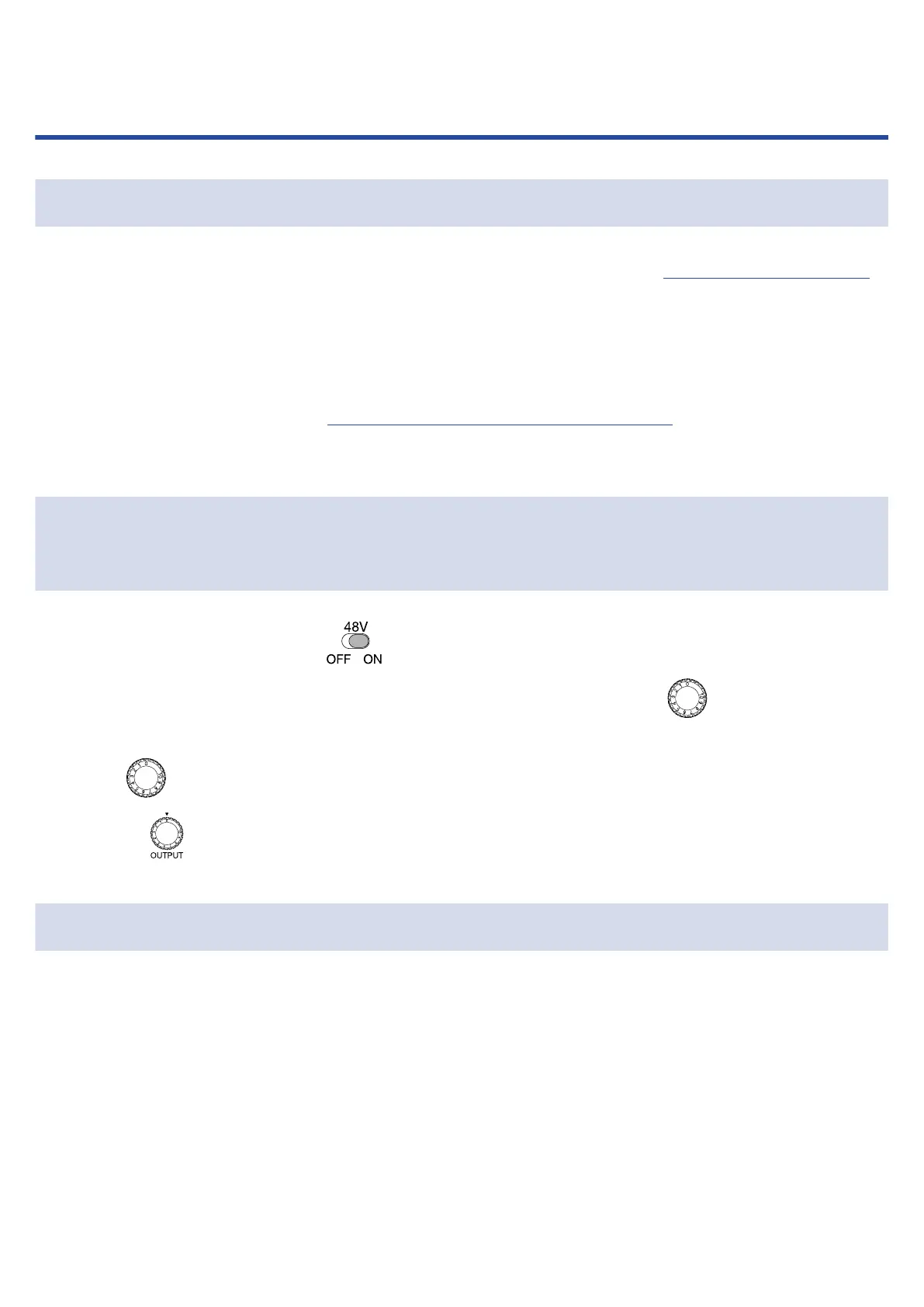
• When using a condenser mic, set to ON.
• Confirm that the level indicator is not lighting red. If it is lighting red, use the Gain knob to lower
the input gain.
• Use the Gain knob to adjust the signal level.
• Adjust the OUTPUT knob.
Cannot play or record
• Confirm that “ZOOM AMS-22” is selected in the “Sound” setting of the computer being used.
• Confirm that AMS-22 is set for input and output in the software being used.
• Quit all software that is using the AMS-22. Then, disconnect and reconnect the USB cable connected to
the AMS-22.
29



 To Next Page