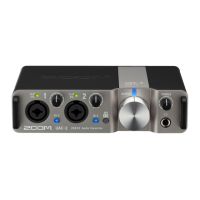
Using batteries
Prepare two AA batteries.
1. Slide open the battery cover on the bottom of the AMS-24 and install the batteries.
2. Slide the battery cover to close it.
3. Set to ON.
4. Confirm that the POWER indicator is lit red.
NOTE:
• Use only one type of battery (alkaline, NiMH or lithium) at a time.
• The POWER indicator will blink when the battery charge becomes low. Replace the batteries with new
ones.
13



 To Next Page
 Loading...