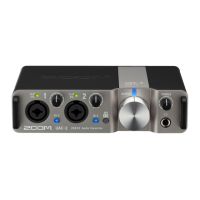
Use example: Web streaming using a
smartphone/tablet
When using a smartphone/tablet for web streaming or podcast recording, set the AMS-24 to STREAMING
mode.
1. Set to STREAMING mode. (→ STREAMING mode)
INPUT1
INPUT2
OUTPUT A
OUTPUT B
INPUT1
INPUT2
OUTPUT 1/2
OUTPUT 3/4
R
L
2. Supply power. (→ Supplying power)
NOTE:
Power must be provided before connecting a smartphone or tablet to the AMS-24.
29



 To Next Page
 Loading...