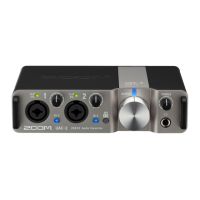
Supplying power
Using an external power supply
A dedicated AC adapter (ZOOM AD-17) or a commercially-available USB mobile battery can be used.
1. Connect the USB connector of the dedicated AC adapter to the DC 5V port (Type-C), and plug the AC
adapter into an outlet.
HINT:
To use a USB mobile battery, connect its USB cable to the DC 5V port (Type-C).
2. Set to OFF.
3. Confirm that the POWER indicator is lit red.
12



 To Next Page
 Loading...