048
6WLYH[PVUZ:L[[PUNZYLJVYKPUN!9LJVYKPUNPU:;,9,6HUK:;(405(TVKLZ
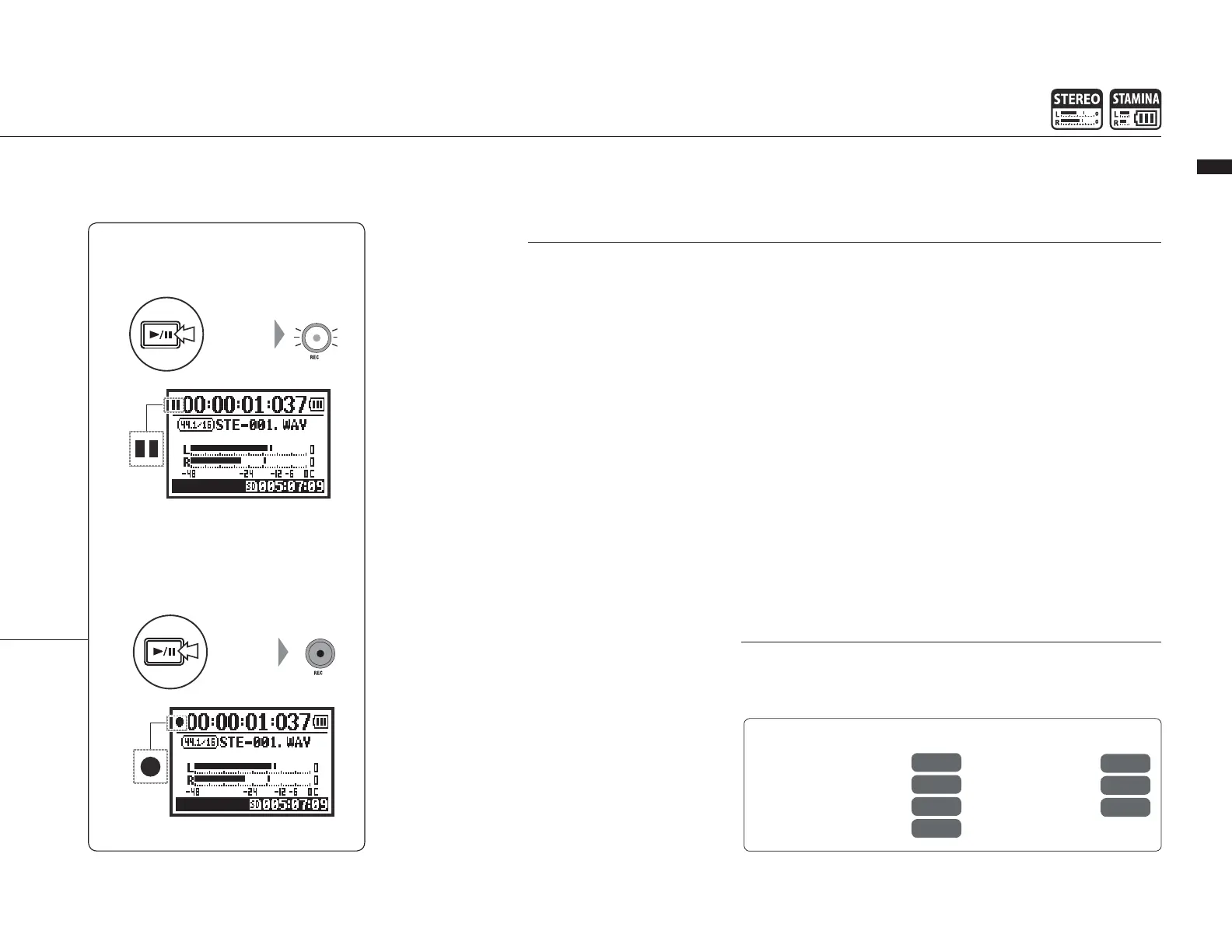
7H\ZPUN
9,*69+05.(.(05
Press
Press
9LM
REC FORMAT
P.049
Mark setting
P.096
AUTO REC
P.063
REC LEVEL AUTO
P.069
FILE NAME
P.050
METRONOME
P.079
PRE REC
P.065
9LJVYKPUNMVYTH[
In STEREO mode you can
YLJVYKPU KPќLYLU[>(=
HUK 47 ÄSL MVYTH[Z ;OL
recording format must be
selected before recording
HÄSLILNPUZ
-PSLUHTPUN
9LJVYKLK ÄSLZ HYL UHTLK
automatically. Choose from
two formats. The default
format is DEFAULT.
DEFAULT: STE-xxx
DATE: 090531-xxx
The recording date is in
yymmdd format.
4HYRZ
When the recording format
is WAV, you can mark a
ÄSL I` WYLZZPUN [OL 9,*
button while recording. You
can move swiftly to marked
positions during playback.
When you pause recording
VMH>(=ÄSLHTHYR^PSSIL
added at the paused point.
+\YPUNYLJVYKPUNHUKWSH`IHJR[OLYLJVYKPUNMVYTH[HUKÄSL
name type cannot be changed.
Blinks
Blinks
Lit
Counter does not return to 0.



 To Next Page