©2018, Zortrax S.A. All rights reserved. All trade names, logos and trademarks mentioned in the following
document are registered trademarks of Zortrax and are subject to legal protection.
22
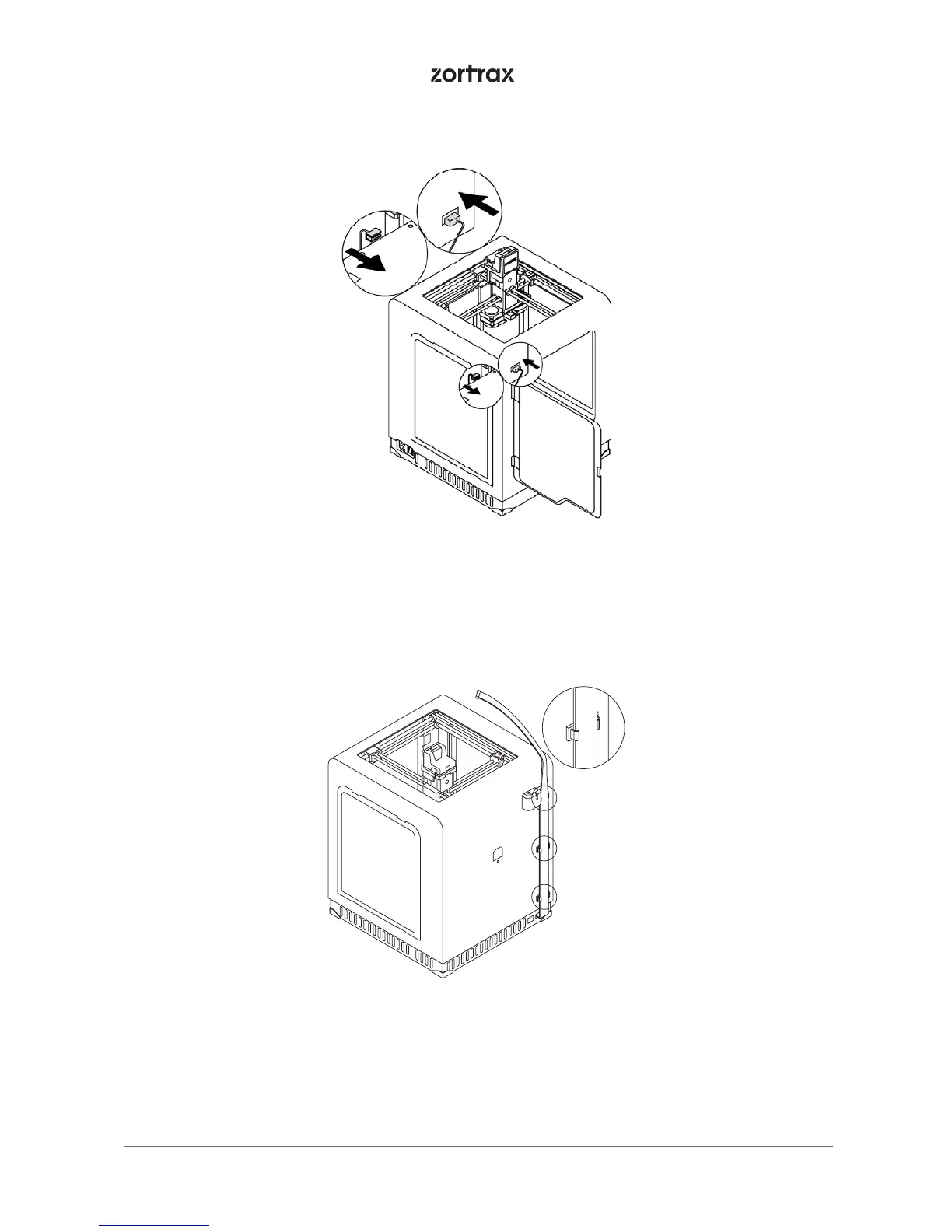
12. Install the extruder cable clamps in the holes at the back of the printer. Place the extruder cable in the
clamps.
11. Plug the heatbed cable into the platform and into the adapter placed in the Z-axis cover.



 To Next Page