©2018, Zortrax S.A. All rights reserved. All trade names, logos and trademarks mentioned in the following
document are registered trademarks of Zortrax and are subject to legal protection.
44
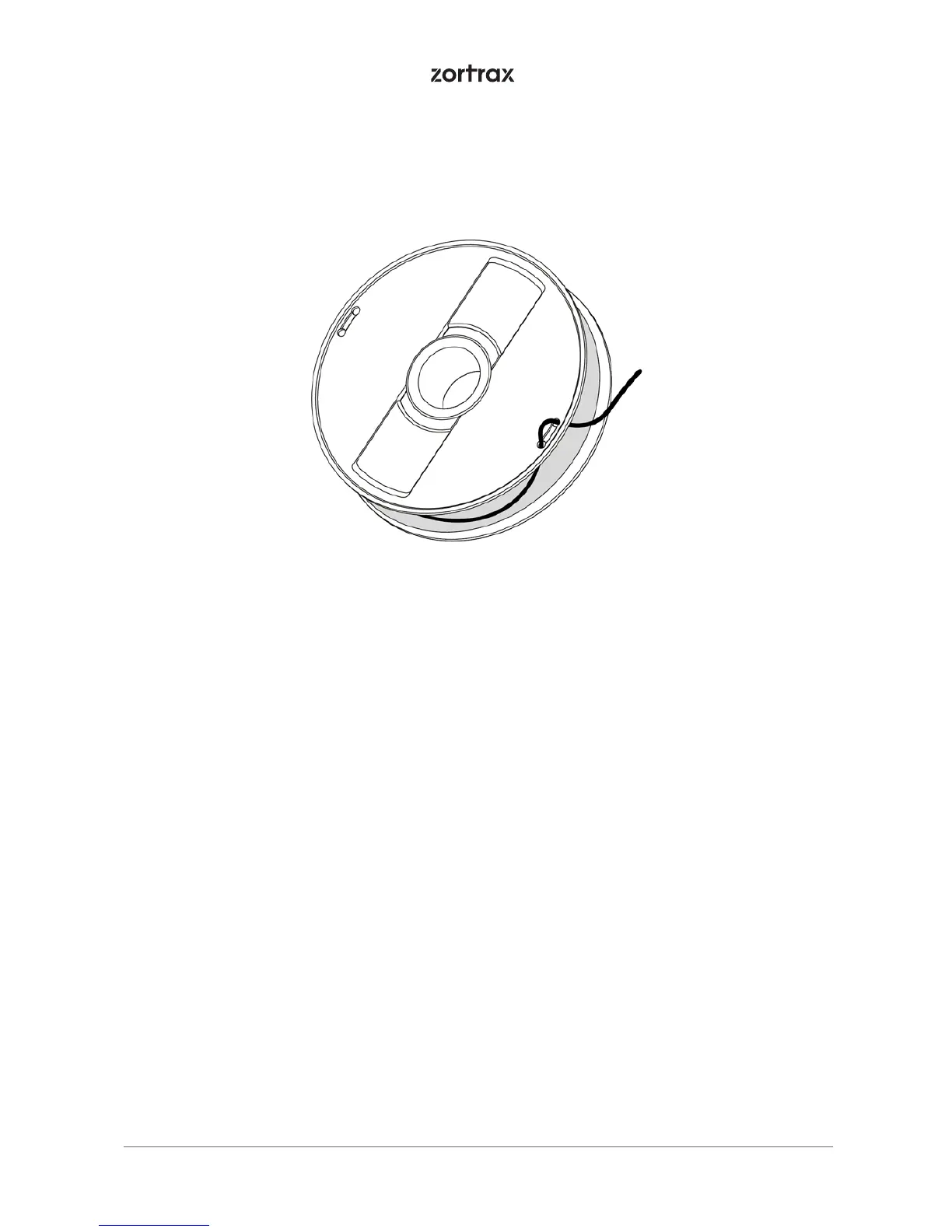
NOTE! ONCE THE PRINTING PROCESS IS FINISHED, UNLOAD THE MATERIAL AND TAKE THE SPOOL OFF
OF THE SPOOL HOLDER, SECURE THE END OF THE MATERIAL AS IT IS SHOWN IN THE PICTURE TO AVOID
HAVING TANGLED THREADS OF MATERIAL ON THE SPOOL.
Available Materials
The complete offer of materials is available at: https://zortrax.com/materials/zortrax-m-
-series/ . Material Technical Data Sheets and Safety Data Sheets can be found at the same
website.
When 3D printing with Zortrax devices, the Manufacturer recommends using Zortrax cer-
tified materials to acquire the best possible quality of the prints.
Basic Maintenance and Service Work
Maintenance work should be regular in order to keep the printer in good condition and
achieve high quality prints every time. Some parts require maintenance before each print
and some every few hundred working hours. All maintenance activities do not take much
time and are not complicated. Before commencing any repair, it is extremely important
to turn off the printer and let it cool down. Remember to always wear safety gloves and
glasses.
The printer is delivered with a full set of tools needed to carry out maintenance and servi-
ce work.



 To Next Page