©2018, Zortrax S.A. All rights reserved. All trade names, logos and trademarks mentioned in the following
document are registered trademarks of Zortrax and are subject to legal protection.
37
Platform Calibration
Platform calibration involves a procedure of checking the distance between the nozzle
and five points on the platform, and tightening/loosening the calibration screws.
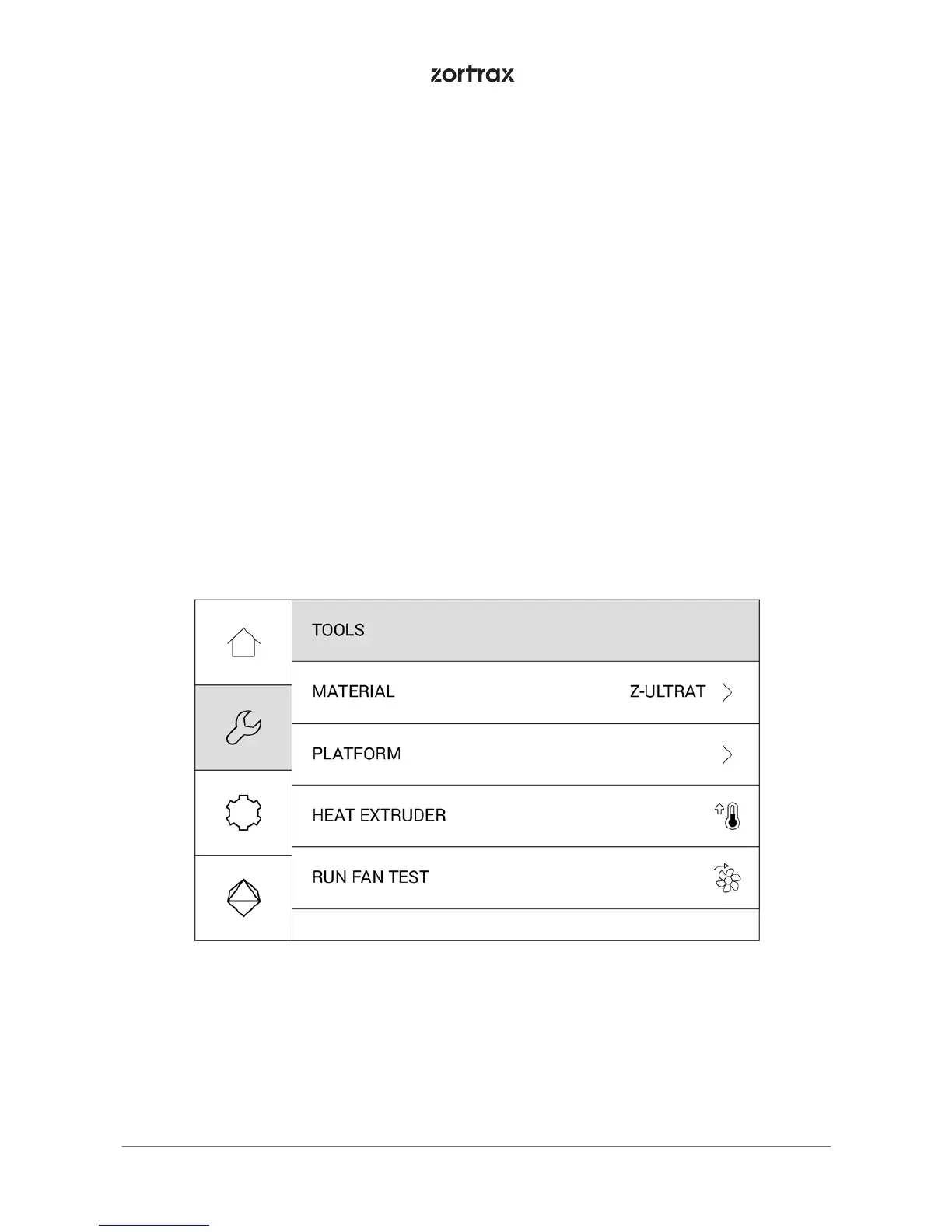
Open the Tools menu, and select Platform and Calibrate. At this point the printer will begin
to prepare for the calibration.
WARNING! The extruder will be hot during the calibration. Don’t touch it. Wear safety
gloves.



 To Next Page