4
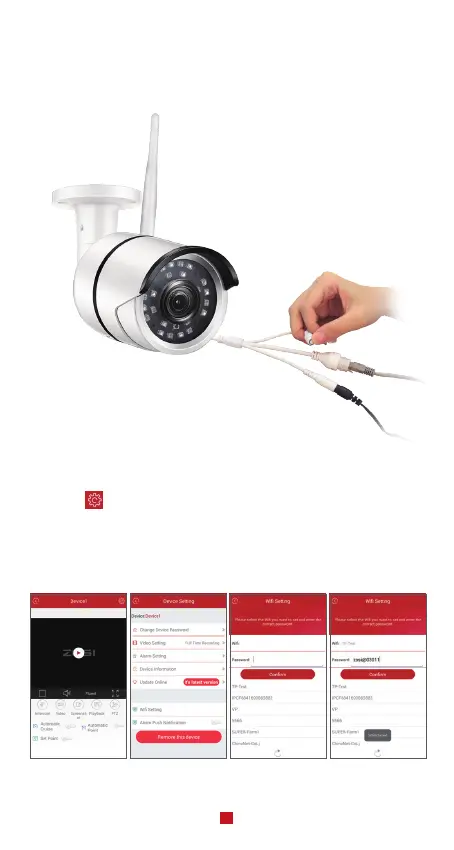
Note: if add the device unsuccessful, please hold the reset button on the camera to reset it,
and then reconnect from steps A to E above, until you can see the video on your phone
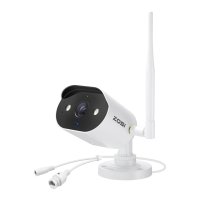
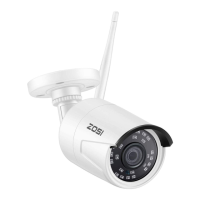
Pause for 5 seconds then you can hear crisp switch voice from the switcher inside the
camera, As show in the figure
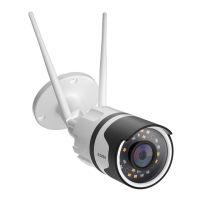
A. Search the corresponding device shown on device list and enter the real-time preview;
B. Click the “ ” button in the upper right corner to enter device settings
C. Select “Wireless Settings” to proceed with the wireless configuration;
D. Select the WiFi network which has stable and strong signal and enter the WiFi password
accordingly;
E. Click “Confirm” to finish converting the wired connection to wireless connection.
4.2 Convert Wired Connection to Wireless Connection


 To Next Page