EasyManua.ls Logo

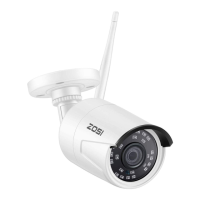
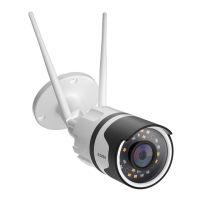
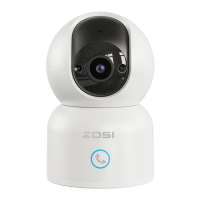
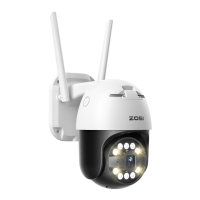
ZOSI IPC - User Manual

ZOSI IPC
11 pages
Print Icon
To Next Page IconTo Next Page
Loading...
PROFESSIONAL SECURITY MADE EASY
Quick Start Guide
For more information of your new system, please refer to www.zositech.com
Z18.5.T.1
IPC Quick Start Guide --- 1
Zosi Smart
App store Google play
Question and Answer IconNeed help?

Do you have a question about the ZOSI IPC and is the answer not in the manual?

Summary

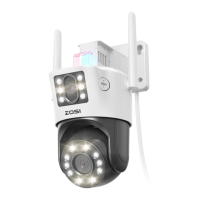
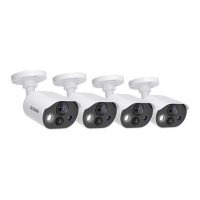
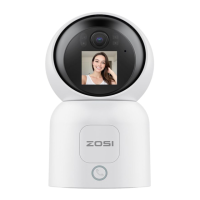
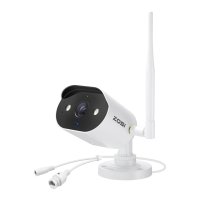
Camera Overview

Mounting and Camera Connection

Camera Connection Diagram

Diagram showing how to connect the WiFi camera to the router and smart device.

Camera Installation

Pre-Installation Considerations

Details on camera parts and cable routing considerations before installation.

Installation Steps

Step-by-step guide for mounting the camera, including drilling and securing.

Mobile App Setup and Usage

Personal Account Registration

Instructions for registering a user account for the Zosi Smart mobile app.

Wired Device Connection

Steps for connecting the camera via a wired Ethernet connection to the router.

Wireless Connection Setup

Guide to configure the camera for wireless network connectivity.

App Information and Settings

Overview of app account management, updates, and fingerprint login features.

Device Information and Controls

Details on accessing device features like video, screenshots, and playback within the app.

PC Client Monitoring

PC Client Login

Instructions for logging into the PC client software (AVSS).

Device Management in PC Client

Managing connected devices, adding areas, and adding devices within the PC client.

Live Preview via PC Client

Viewing live camera feeds through the PC client software.

Playback via PC Client

Accessing and playing back recorded video footage via the PC client.

Summary

Camera Overview

Mounting and Camera Connection

Camera Connection Diagram

Diagram showing how to connect the WiFi camera to the router and smart device.

Camera Installation

Pre-Installation Considerations

Details on camera parts and cable routing considerations before installation.

Installation Steps

Step-by-step guide for mounting the camera, including drilling and securing.

Mobile App Setup and Usage

Personal Account Registration

Instructions for registering a user account for the Zosi Smart mobile app.

Wired Device Connection

Steps for connecting the camera via a wired Ethernet connection to the router.

Wireless Connection Setup

Guide to configure the camera for wireless network connectivity.

App Information and Settings

Overview of app account management, updates, and fingerprint login features.

Device Information and Controls

Details on accessing device features like video, screenshots, and playback within the app.

PC Client Monitoring

PC Client Login

Instructions for logging into the PC client software (AVSS).

Device Management in PC Client

Managing connected devices, adding areas, and adding devices within the PC client.

Live Preview via PC Client

Viewing live camera feeds through the PC client software.

Playback via PC Client

Accessing and playing back recorded video footage via the PC client.

ZOSI IPC Specifications

General IconGeneral
Motion DetectionYes
Weather ResistanceIP66
Viewing Angle90°
Night Vision Range65ft
Power SupplyDC 12V
Remote AccessYes (via ZOSI Smart App)
Night VisionYes (Infrared)
StorageSupports up to 128GB microSD card (not included)

Related product manuals