6
The PC Client (AVSS) is applied for DVR/NVR/IPC preview with features like real-time view,
device management, remote video playback and etc.
6. PC Client Remote Monitoring
6.1 Login
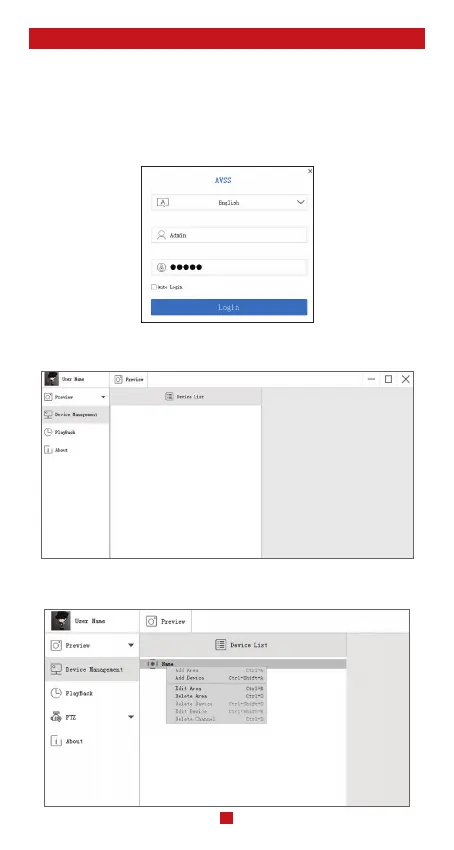
Double click the icon “AVSS” to stall the PC Client. Select the language and log in.
Note: Use the default user name and password, or enter the same login information as your
mobile App.
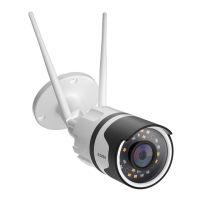
6.2 Device Management
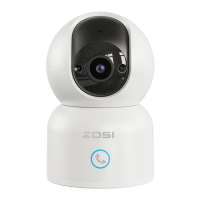
6.2.1 Click “Device Management” to add areas and devices.
6.2.2 Add Area: Right click the blank to add area and enter the name. The Area Name is
used to describe the place being monitored.


 To Next Page