7
5. Change Your Device Settings
You can change the device settings from ZTELink APP or logging in to
the 5G CPE web page
ZTELink:
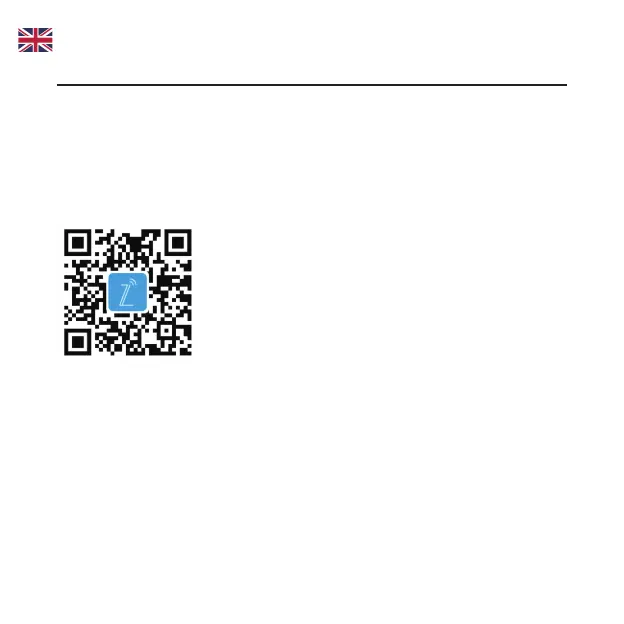
1. Scan the barcode or Search
ZTELink
in the Play Store* or App
store* and download the app.
2. Click Manager Routers in the app and input
Website Password in
the label
.
3. You can add parental control policy and block the connected units
through
Connected
menu or change conguration of the device
through Toolkit Menu.


 To Next Page