8
Web Interface:
1. View the label on your device to get the default
Device Manager
Website
IP address (http://192.168.32.1) and Website Password.
2. Launch your Internet browser and enter the
Device Manager
Website
IP address (http://192.168.32.1) in the address bar.
3. Open the Web Interface login page and Input the
Website
Password
and then click
Login
.
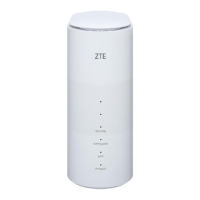
4. After the 5G CPE web page is opened, you can change the Wi-Fi
SSID, password or other settings.
NOTE:
Play Store is from Android, App Store is from iOS.


 To Next Page