9
3. Select the SSID of your device, and then click Connect.
NOTE:
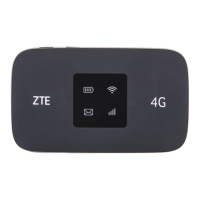
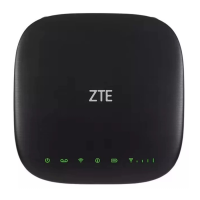
Please check the label on your device to get the default SSID.
4. Input the password, and then click Connect.
NOTE:
You may need to input the password for Wi-Fi connection. Please
check the label on your device to get the default.


 To Next Page