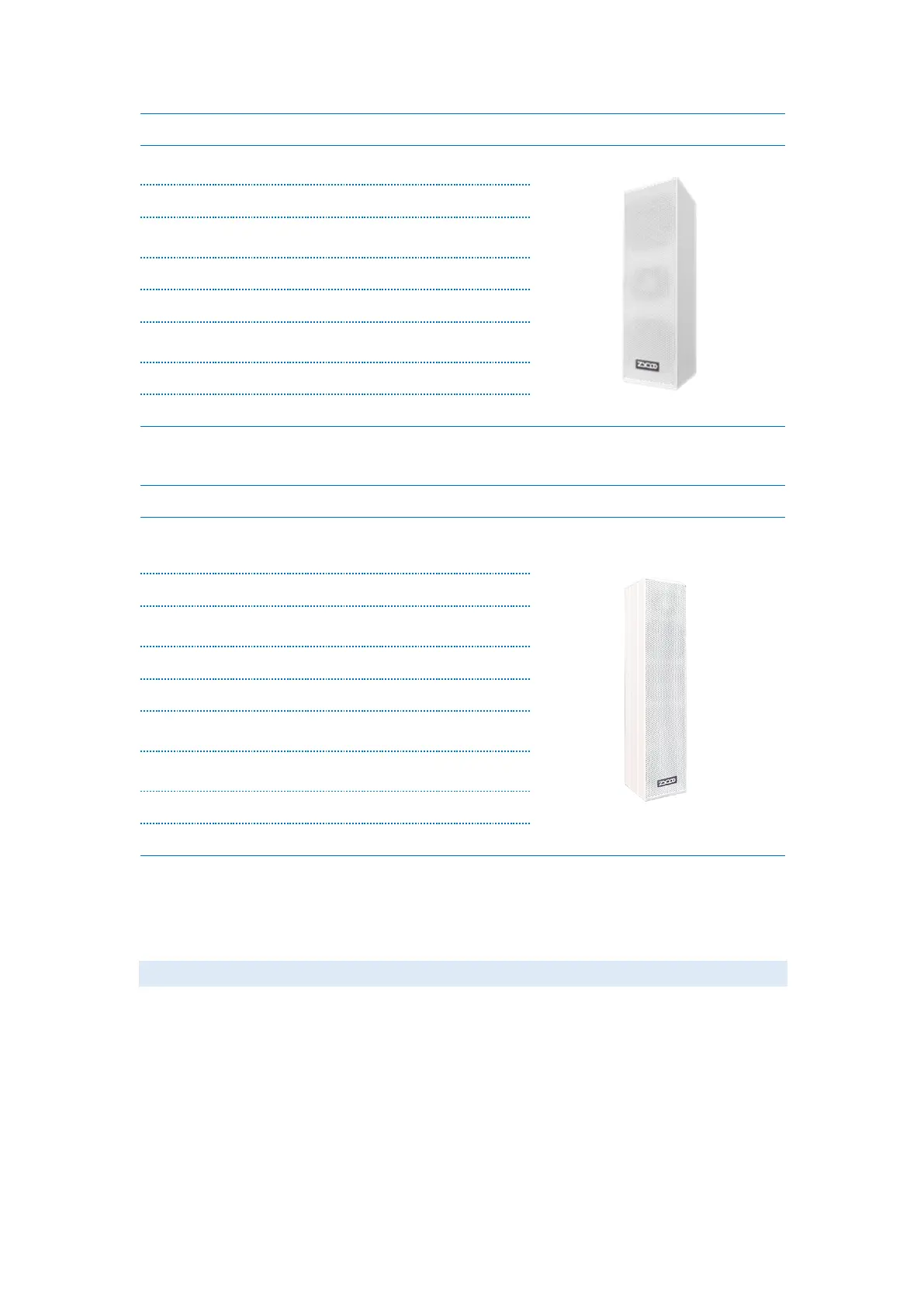
2 * 3.25'' woofer units + 1 * 1''
tweeter unit
Built-in Class D Amplifier
135°, best effective distance 50m
4 * 3.25'' woofer units + 1 * 25ø
tweet unit
Built-in Class D Amplifier
135° 50m, max effective distance
70m
Basic Settings
Web Interface Login
By default, the network speaker’s IP assignment has been configured as DHCP. Please ensure
there’s a DHCP server available in the LAN where the network speakers are installed. If
there’s no DHCP server available or DHCP fails, you’ll have to use the failover IP address
192.168.1.101 to access the web management interface. Press and hold the RST button for 5
seconds (10 seconds for reset) and release, the speaker will announce its IP address. Input the
IP address in the browser address bar to open the web management interface of the speaker.
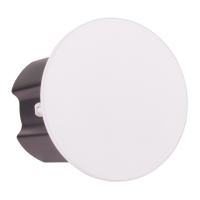
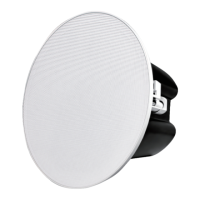
The login screen is shown as below image, here we take one SC15 network ceiling speaker as
an example.


 To Next Page