Chapter 4 Quick Setup Wizards
ZyWALL 110/310/1100 Series User’s Guide
44
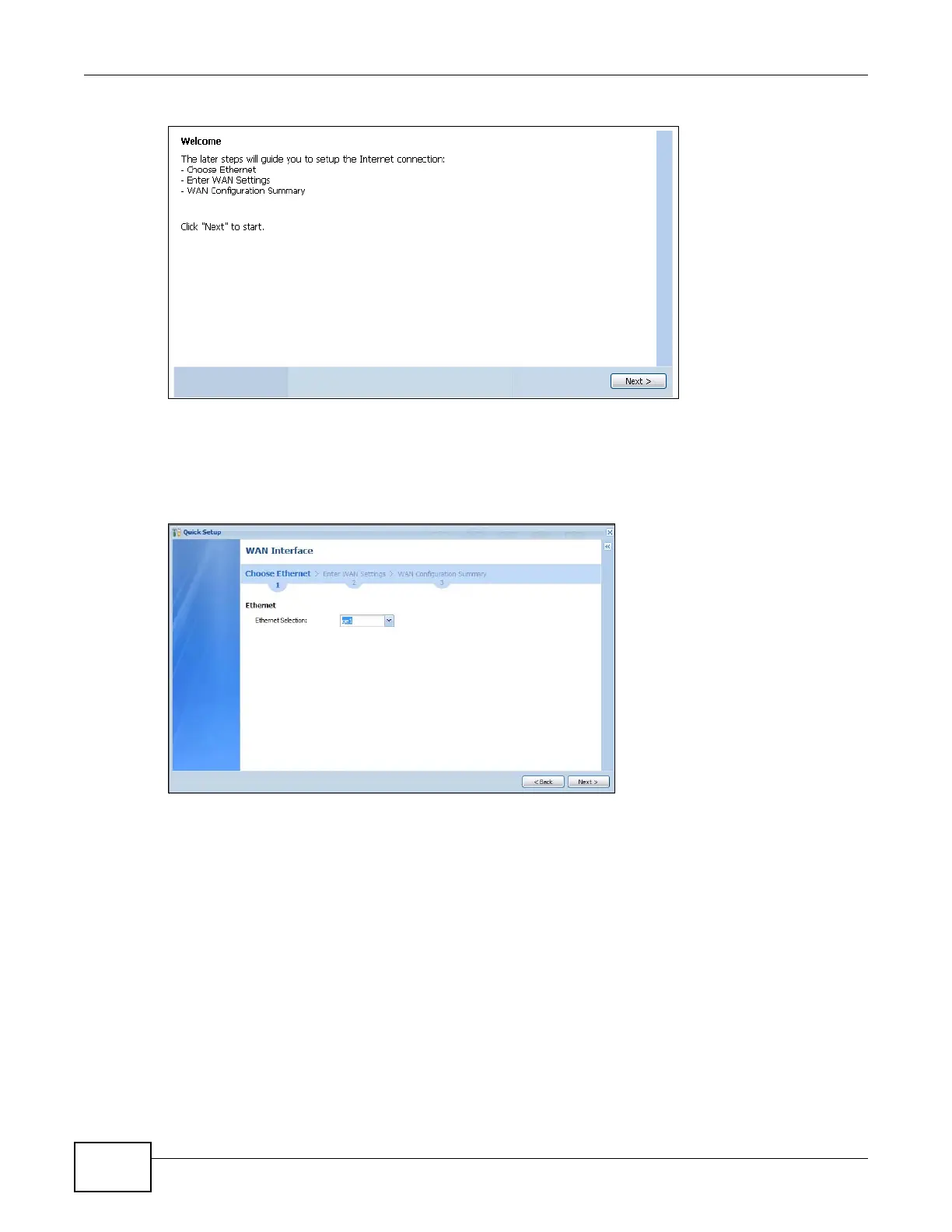
Figure 23 WAN Interface Quick Setup Wizard
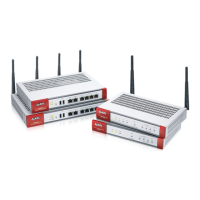
4.2.1 Choose an Ethernet Interface
Select the Ethernet interface that you want to configure for a WAN connection and click Next.
Figure 24 Choose an Ethernet Interface
4.2.2 Select WAN Type
WAN Type Selection: Select the type of encapsulation this connection is to use. Choose Ethernet
when the WAN port is used as a regular Ethernet.
Otherwise, choose PPPoE or PPTP for a dial-up connection according to the information from your
ISP.







 To Next Page