2 EASY
CARD READER MODULE
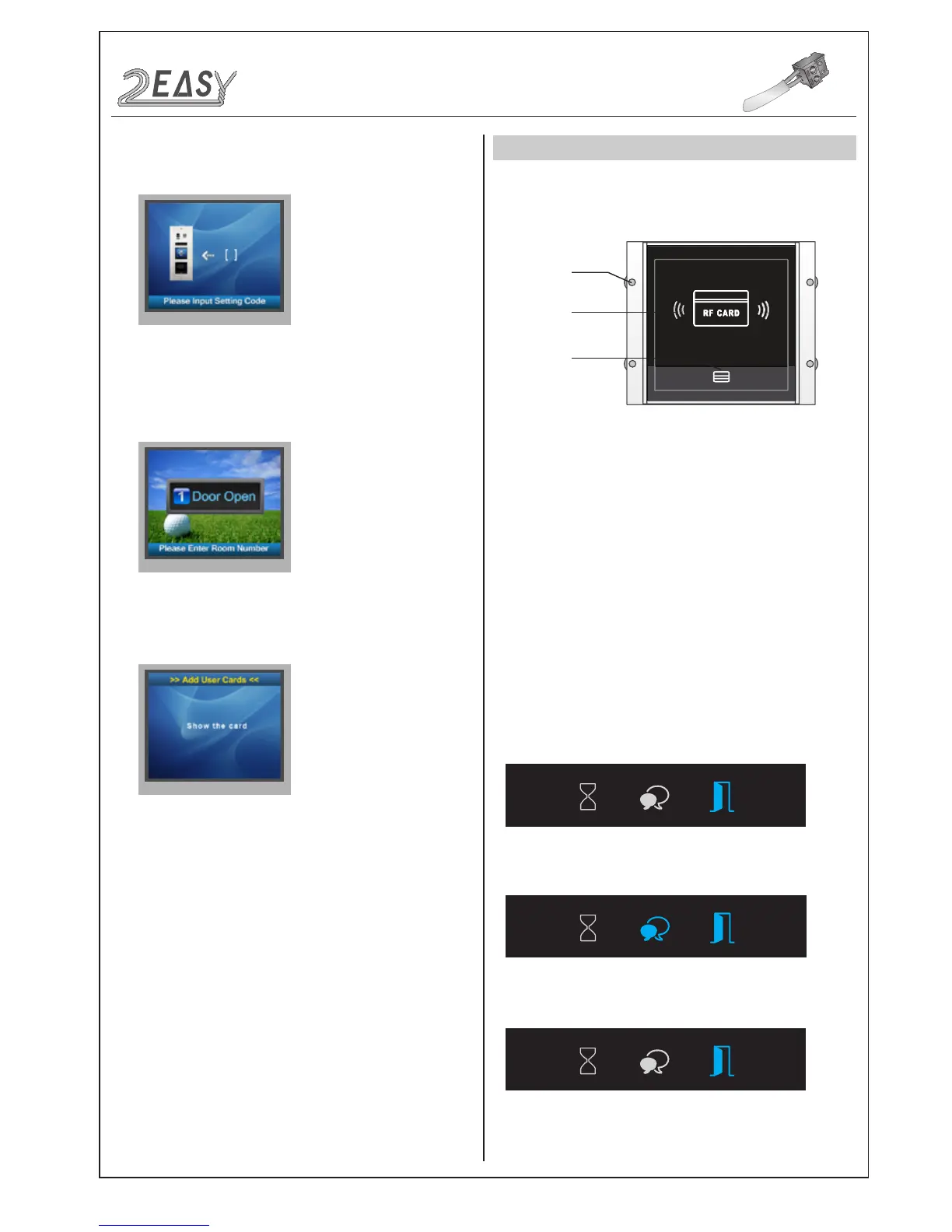
1. Parts and functions
2. Features
3. Card Operation
Swiping card
area
LED indicator
Mounting
screw
• Up to 320 user cards can be registered by door station
• Easy management with indicators and sound hints
• Two Master Cards are supplied, one MASTER CARD ADD
and one MASTER CARD DELETE
• The distance of card reading is from 3 to 5 cm
• The Master Cards are necessary when you add or delete user
cards. Please keep them safe for future use
It is possible to create new Master Cards, the old ones are invalid
automatically
• Combination with ID module
iii) When input admin code,a Setting Code will be asked on TFT
screen.
When registered ID card will be presented to a Proximity Reader,
“Door open” message will be showed on TFT Display Module screen
This is the user interface of adding card, please know that the user
interface of delete card or initialization is similar as the following pic-
ture shows.
• Master Card Setting
Power on and short out EB+,EB- , a sound of “BP+” will be sent out,
and the Unlock indicator will turn on
Toggle DIP4 switch for four times, a sound of “BP+,BP” will be sent
out , the Talk indicator and the Unlock indicator will turn on
Show the ADD CARD, a sound of “BP+” will be sent out, the Unlock
indicator is turned on.
Show the DELETE CARD, a sound of “BP+” will be sent out, and all
indicators will be turned off. After 10 seconds, it will exit the Master
Card Setting automatically
MODULES
DMR21 Technical Manual-12-



 To Next Page