Installation manual 2N® IP Force
•
•
•
•
•
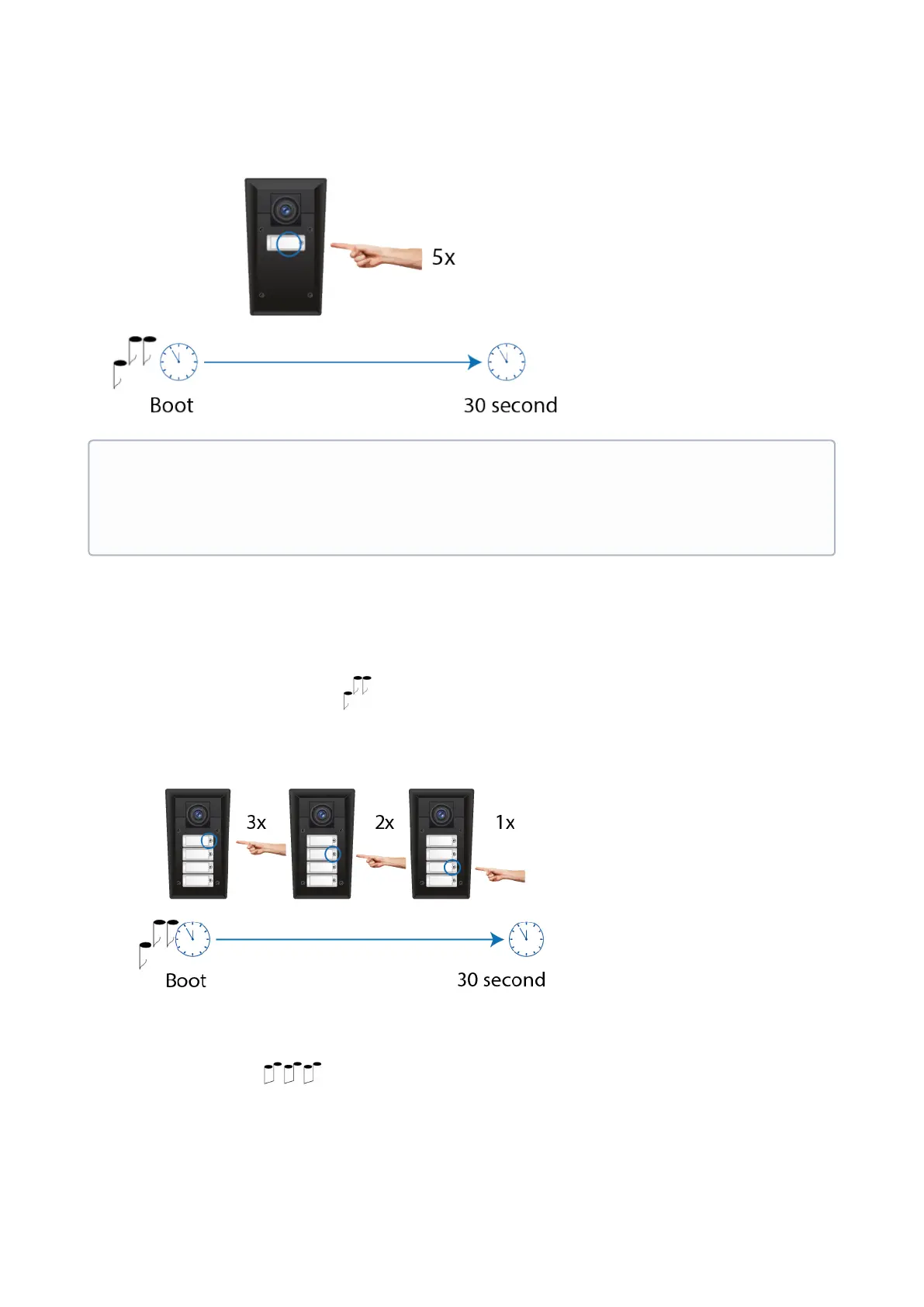
Static IP Address Setting for 4-button models
Follow the instructions below to enable the static IP address mode:
Connect2N
®
IP Forceto the power supply (or, disconnect and reconnect it if already connected).
Wait for the first acoustic signal .
Press buttons 1, 1, 1, 2, 2, 3 sequentially.
The acoustic signal indicates mode switching.
Wait until the device is restarted automatically.
•
Note
Be sure to press the button sequence within thirty seconds after the sound signal for security
reasons. Up to 2 s intervals are allowed between the presses.



 To Next Page