Gateway User Interface
17
From Jeff M.:
Need to show Ethernet broadband example page.
The information displayed depends on the type of broadband service you have and your gateway model.
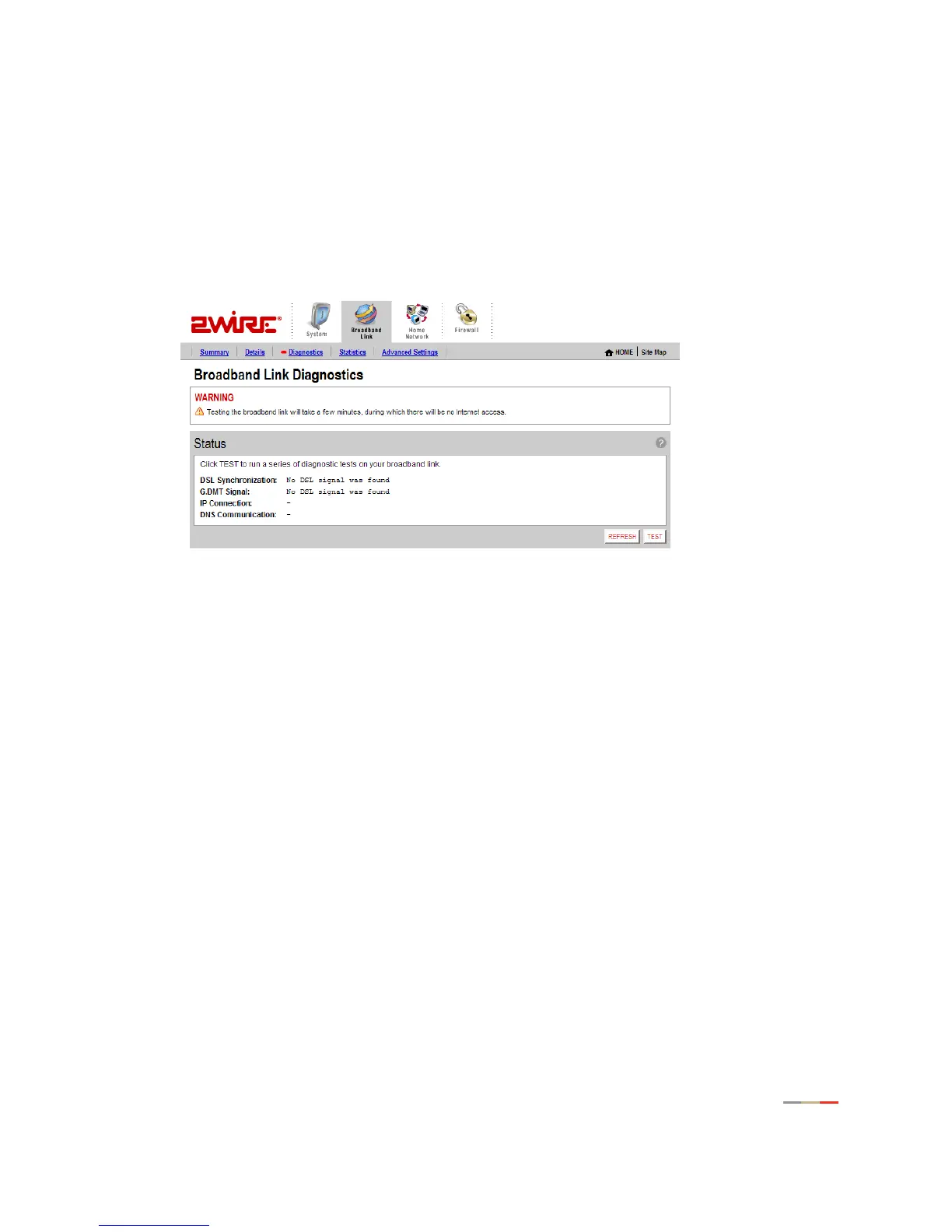
Using Broadband Diagnostics
Diagnostics displays an itemized list of your broadband connection’s current status. Technical support
representatives use this information to help troubleshoot problems with your broadband connection.
To update the broadband link status, click
REFESH.
To initiate a full test of your broadband link, click TEST. The test will take several minutes, during
which the system reestablishes all broadband connections. You will not be able to access the
broadband network until the test is complete.



 To Next Page