Access the Management and Diagnostic Console
43
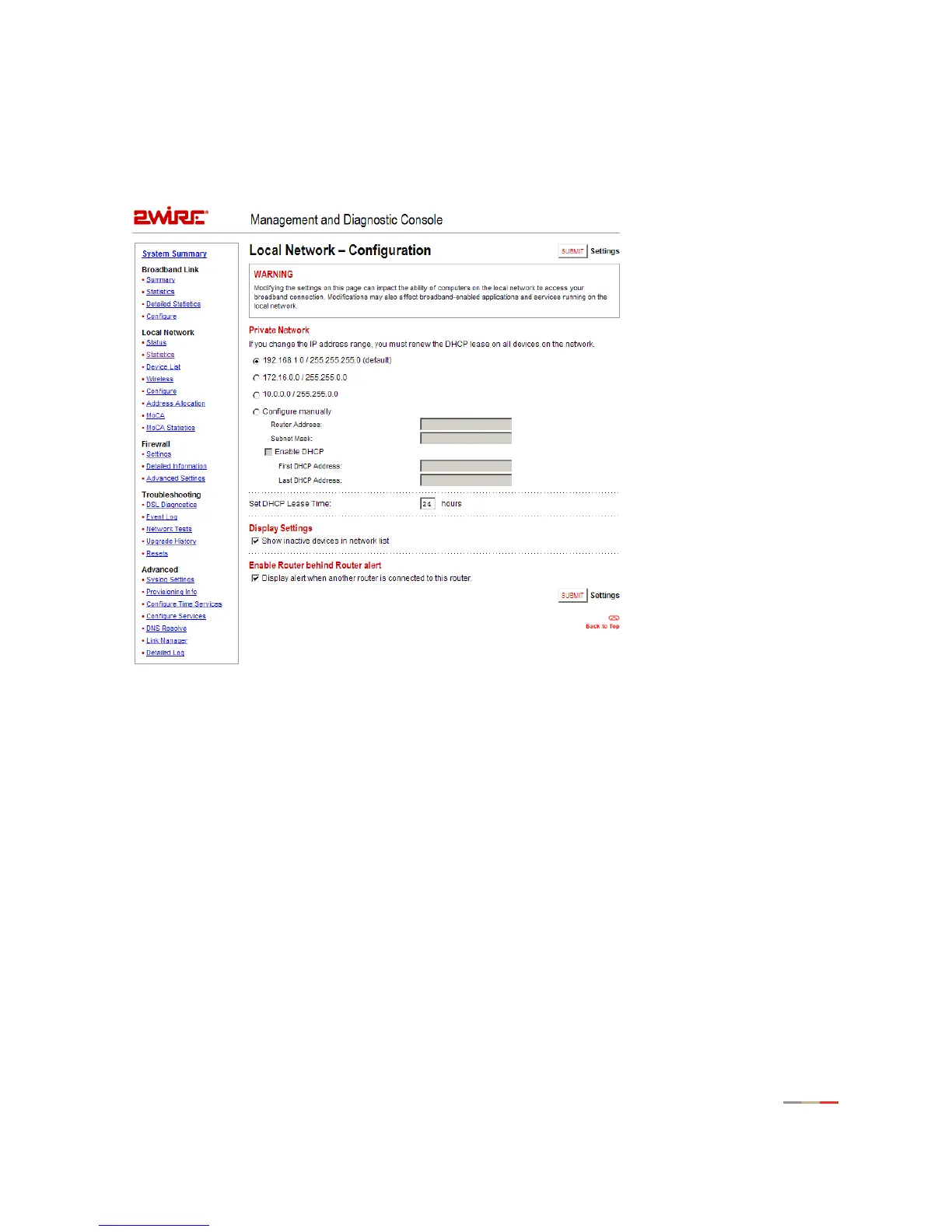
Local Network - Configuration Page
The Local Network - Configuration page allows you to change the gateway’s default local network settings.
You must click the
Submit button for changes to take effect.
For details on configuring advanced network settings, refer to page 24.
Enabling Router Behind Router Alert
When the Display alert when another router is connected to this router checkbox is enabled, an error page is
displayed to the user if the gateway detects the presence of a third-party router on the user’s network. A
third-party router connected to the 2Wire gateway can result in network instability, because both devices are
trying to manage private IPs via NAT.



 To Next Page