Access the Management and Diagnostic Console
53
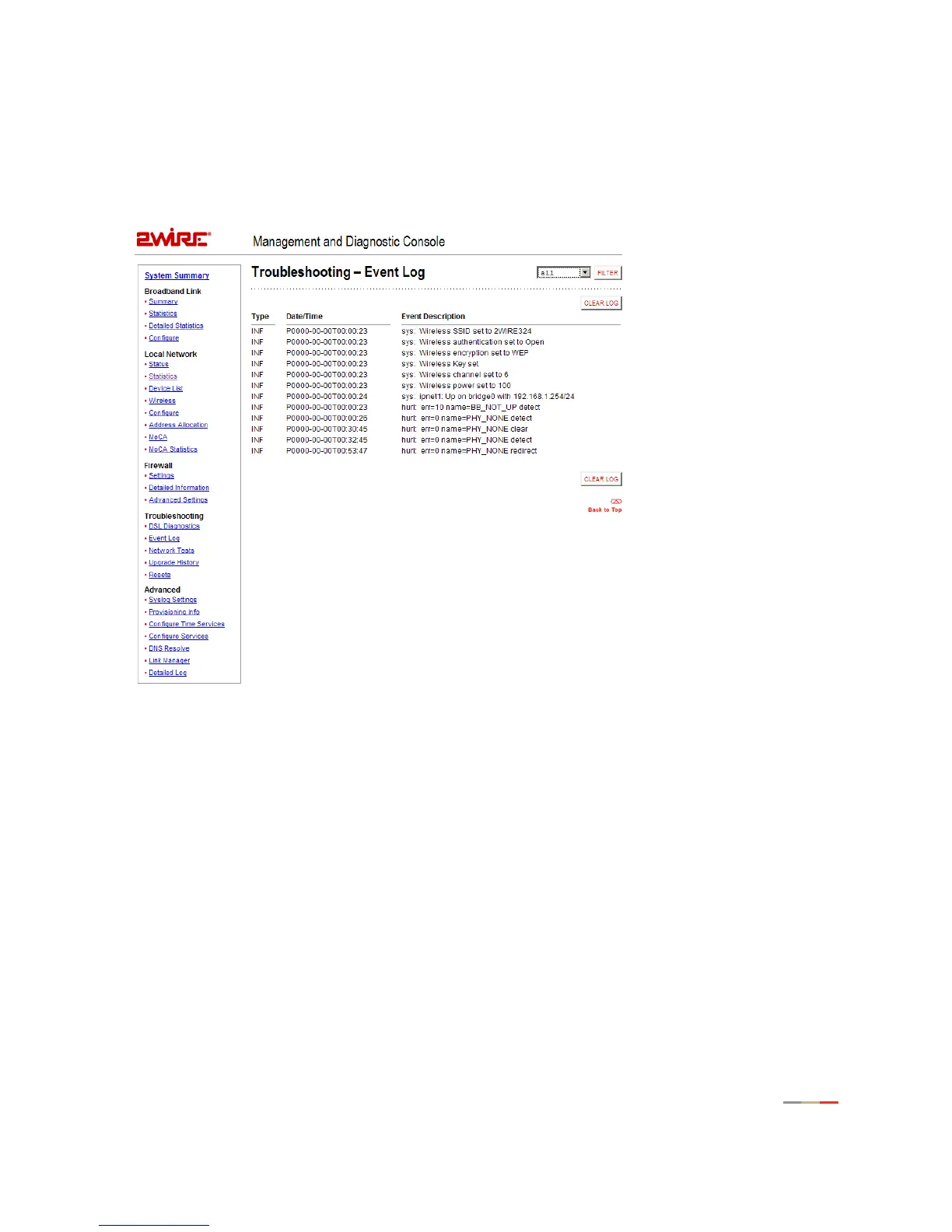
Troubleshooting - Event Log Page
The Troubleshooting – Event Log page displays events for the broadband and local network. Log information
is stored in a fixed-size buffer. When the buffer is full, the oldest items are purged from the log. You can
also clear the log contents by clicking the
Clear Log button.



 To Next Page