28
AUTO DIAGNOSTIC
Status Master
3B6 Operator Manual
*
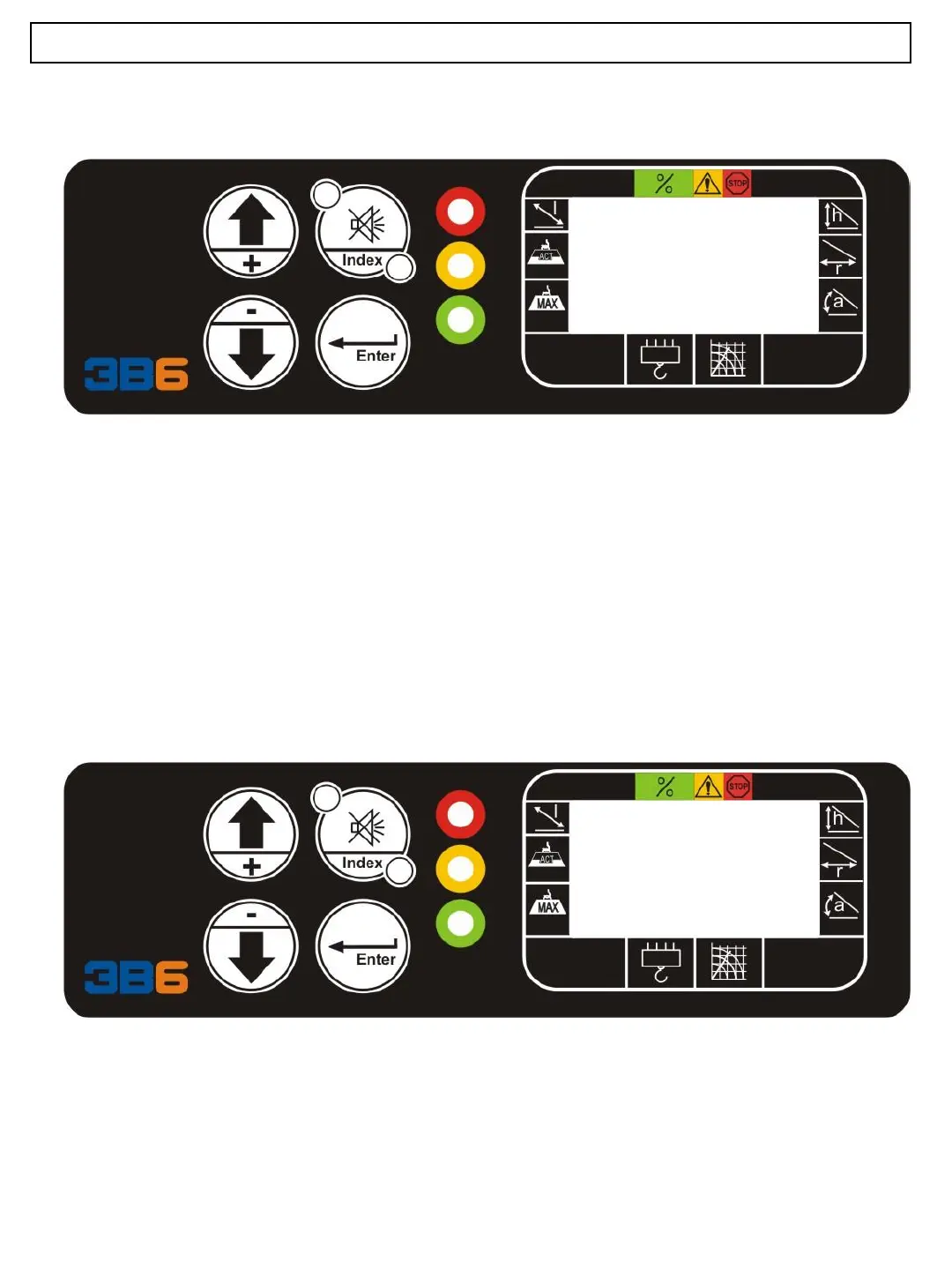
M O:ON 1
P11
The 2nd column represents the index of the selected variable.
With the button “+” increase the index
With the button “-“ decrease the
The text “ON” or “OFF” is used only for the following types: M, I, and O ON means that
the value of the selected item is 1, OFF means that the value is 0.
The value is also represented in the 3rd column the special page P (parameter) and S
(system variables) is possible to insert value (for example to change parameter or give
the command to save the parameters to the proper system variable). To make a
modification is necessary to put a password (level 3) If you try to make a change, the
display will show the text ACCESS DENIED.
*
M O:ON 1
P11



 To Next Page