27
AUTO DIAGNOSTIC
Status Master
3B6 Operator Manual
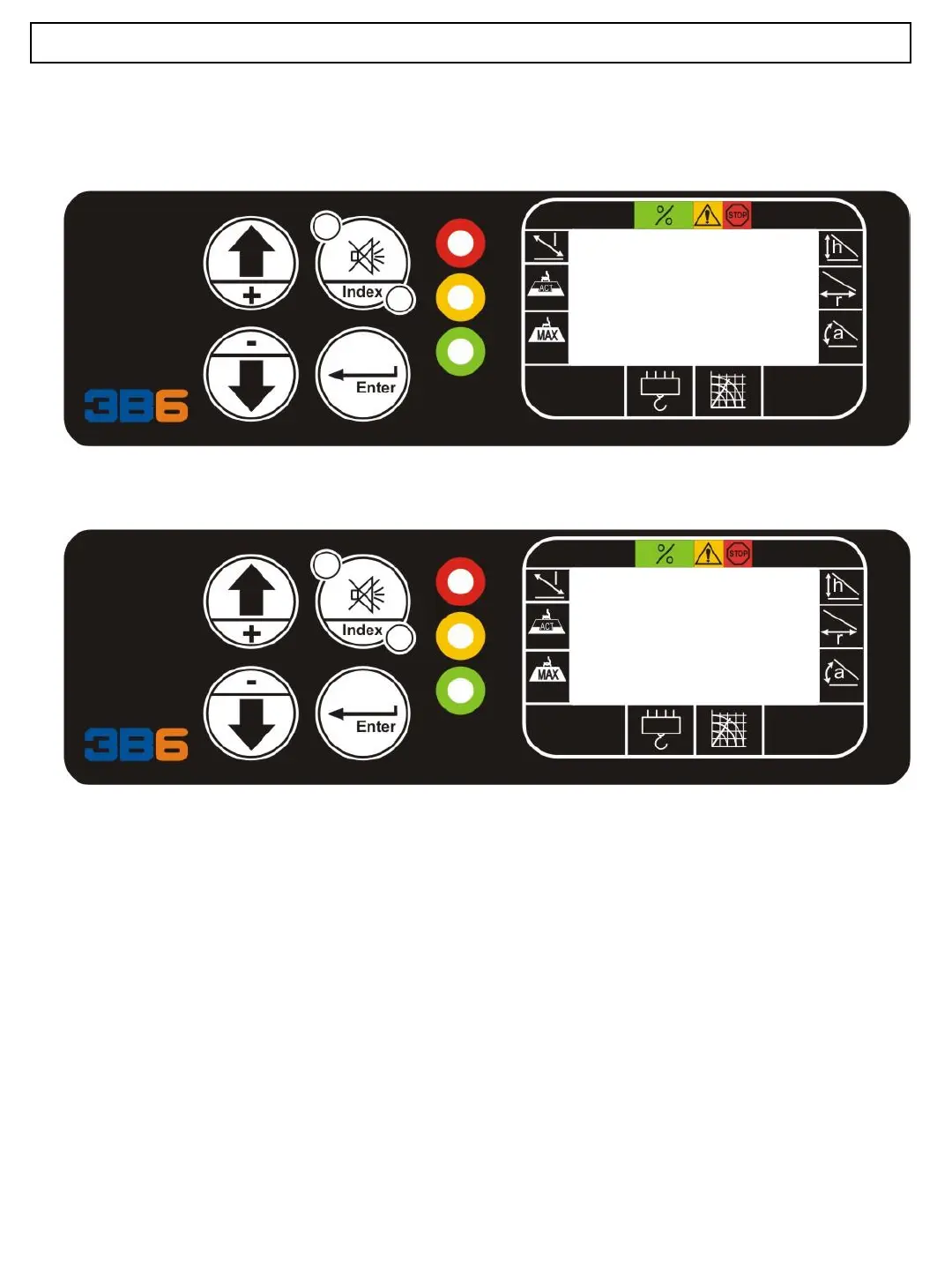
Press and release the INDEX pushbutton to activate. The display will indicate and
asterisk above the M:
Status Master
I O;OFF 0
P11
*
M O:ON 1
P11
If you select the 1st column, “M” for example, if you press the button UP/ PLUS
pushbutton you’ll switch to the other type of variables, if you press the button
DOWN/MINUS pushbutton, you’ll switch to the previous one.
The list of the possible type of variables are:
P = (parameter)
Q = (variables)
M = (flag)
T = (temporary variables)
I = (input)
O = (output)
S = (system variables)
To check the status of Flag, Temporary Variable, Inputs, Outputs, System Variables,
parameters and variables.



 To Next Page