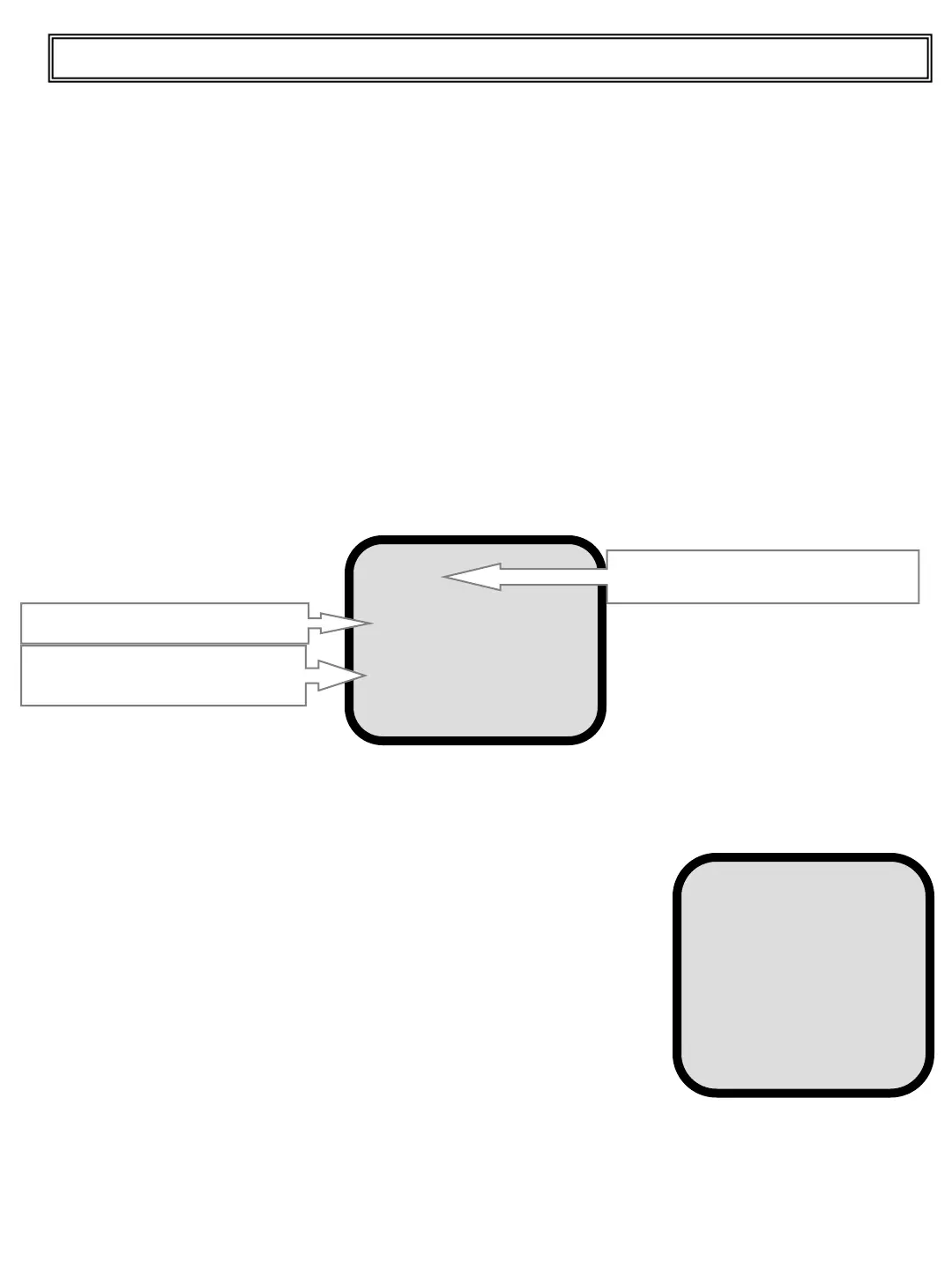
Press and release the DOWN pushbutton to show the cursor.
Position the cursor on the Total and press and release the ENTER pushbutton. The printer
will proceed with the print of the actual Total.
To print the end of the day summary move the cursor on
“Total of the day” and press and release the ENTER pushbutton.
The following screen appears:
Press the ENTER pushbutton again on Total of the day to start
the summary print. Otherwise press and release the DOWN
pushbutton to move the cursor on the other lines
and press the ENTER pushbutton to select what you want
to be printed (marked with an asterisk).
The end of the print of the total of the day ticket the values saved are automatically zeroed so
that the next day’s work can start without further operations. If you want to maintain it in
memory, mark Keep Totals with the asterisk.
The following information is printed on the ticket:
• Company name
• Date and time
• Operator code No. or name
• Material code No. or name
• Customer code No. or name
• Number of weighing
• Indication of the weight in tons and in cubic yard/meters (if the specific gravity of the
material loaded has been set)
• End of day summary
Printing the Ticket
To print the ticket proceed as follows:
Press and release the Print pushbutton to go to the following screen:
PRINT
Total
Options
Total of the day
Ticket n.
Header 1
Header 2
Display Totals
Actual load
Print header (to be done by
the technical part)
26
Top Master User Manual
Totals saved print
Total of the day
Group by:
*Product
*Client
*Truck
*Project
Keep Totals
Printer function (optional printer) 1/3


 To Next Page