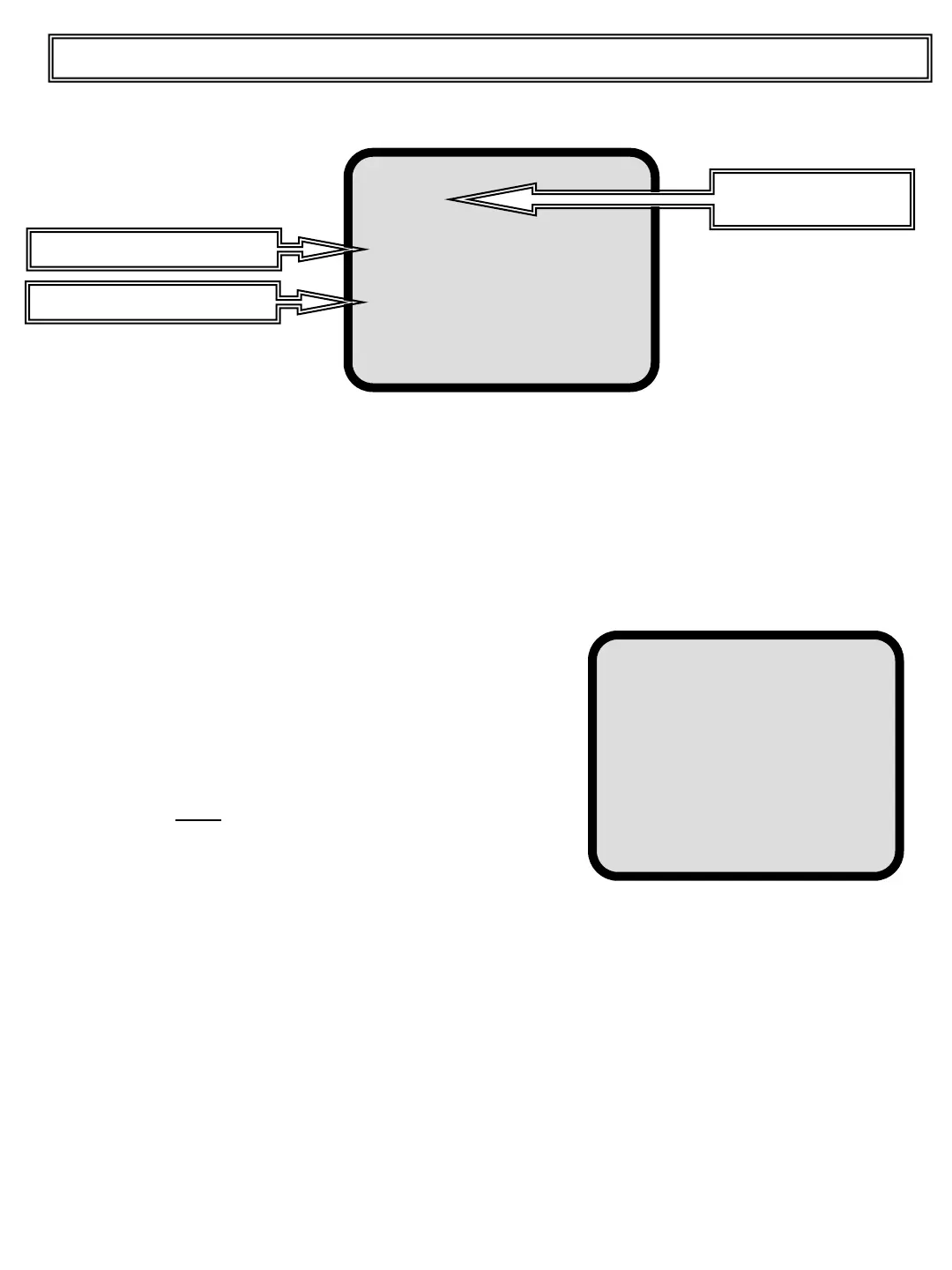
Press and release the MENU pushbutton, scroll
down to the TOTAL line or Press and release the
ENTER pushbutton on the OPTIONS line and the
following screen will appear. Only for 24 column roll
printer.
Copies Nr: set how many ticket copies the system
must print automatically when you press Print Total
Same Number: enabled (asterisk) with ENTER
pushbutton to print same ticket for each ticket copy.
To exclude some item from the Roll Printer ticket:
Position the cursor with DOWN pushbutton, select
item that you don’t want to print and press and
release the ENTER pushbutton to mark it with an
asterisk.
The selection is automatically memorized.
PRINT
Total
Options
Total of the day
Ticket n.
Header 1
Header 2
Display Totals
Actual load
Totals saved print
Print Header
27
Ticket Options
Copies Nr:
Same Number
Exclude:
Product
Client
Operator
Truck
Project
Ticket Number
Buckets Number
Signature
Top Master User Manual
Printer function (optional printer) 2/3


 To Next Page