Home
3D Systems
3D Printers
CUBE
Lesson
Page 15
3D Systems CUBE - Page 15
15 pages
Manual
Save Page as PDF
To Previous Page
To Previous Page
Loading...
F
as
t
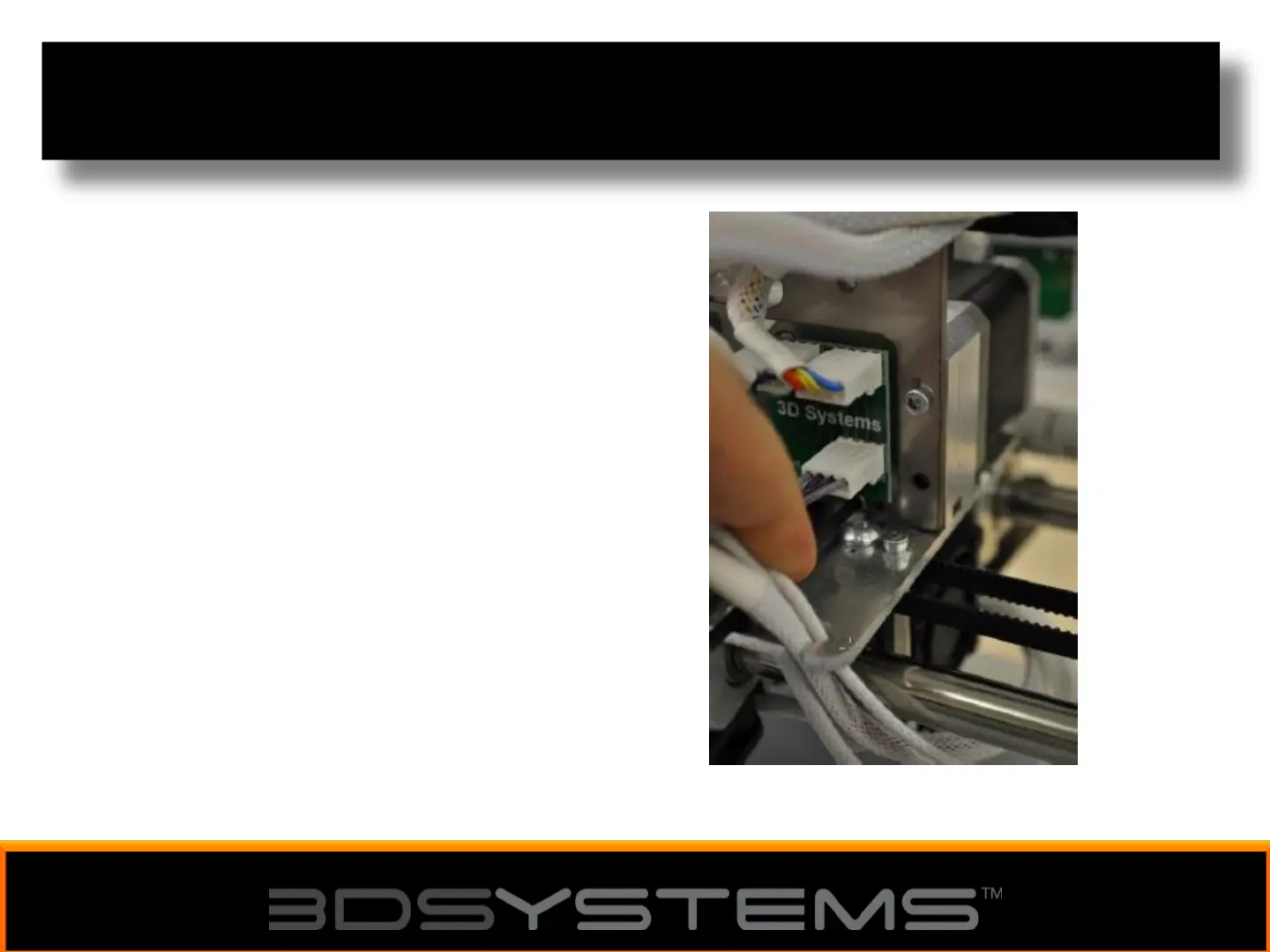
ening the Print Tip on a Cube X
7. Using the
2.5mm
he
x driv
er
,
tigh
t
en the prin
t tip ho
lding
bolt (pictur
ed) t
o lo
ck
the print
jet in place.
With the prin
t tip f
ast
ened y
ou
can no
w turn on the CubeX
print
er and s
tart prin
ting.
15
14
Other manuals for 3D Systems CUBE
User Guide
121 pages
Quick Start Guide
32 pages
Related product manuals
3D Systems CubeX
7 pages
3D Systems CubePro
89 pages
3D Systems CubeX Duo
37 pages
3D Systems CubePro 3D Printer
110 pages
3D Systems Cube 2nd Generation
52 pages
3D Systems ProJet 3510 CPX
69 pages
3D Systems ProX
14 pages
3D Systems ProX DMP320
83 pages
3D Systems ProX DMP 200
103 pages
3D Systems ProX DMP 300
102 pages
3D Systems ProJet 660Pro
88 pages
3D Systems ProJet 3510 HD
69 pages











 To Previous Page