ProJet
®
x60Pro Series User Guide ProJet x60Pro® Series Overview
3dscentral.3dsystems.com 3 All Rights Reserved
5/12/13
Operating Environment
Ambient Temperatures
Ambient Relative Humidity
• Maximum Temp. Range: 50-80° F (10 - 26.6° C)
• Recommended Temp. Range: 55-75° F (12.7 -
23.9°C)
• Maximum RH Range: 15 - 60%, non-condensing
• Recommended RH Range: 20 - 55%, non-condens-
ing
(May experience sub-optimal performance at extremes.)
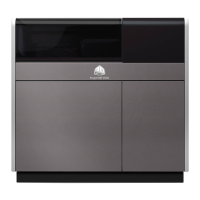
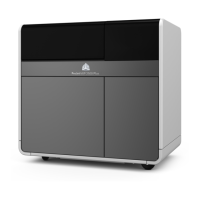
Build Volume ProJet 660Pro
• 10” x 15” x 8” (254 mm x 381 mm x 203 mm)
• 1200 cubic inches build capacity
ProJet 860Pro
• 15” x 20” x 9” (381 mm x 508 mm x 229 mm)
• 2700 cubic inches build capacity
Build Speed 2-4 layers per minute
Layer Thickness .0035” - .004” (.089 - .102 mm)
Resolution 600 x 540 dpi print resolution
Noise Levels Both models
• During Printing = 57dB
• Emptying Overflow = 66dB
• Vacuuming - Cover Open = 72dB
ProJet 660Pro
• Fine Cleaning - onboard Post-Processing Unit =
72dB
CSA, CE Approval Pending: CE certification and UL listing.
Power Requirements Both models
• 100V, ~50-60 Hz, 15 Amp.
• 115V, ~50-60 Hz, 15 Amp.
• 230V, ~50-60 Hz, 8 Amp.
Note: At 100-115V, a 20A circuit is required and the sys-
tem ships with the appropriate 20 A plug. Due to high
amperage, a dedicated circuit is strongly recommended.
Approximately 78 watts are required when the printer is in
Sleep mode.




 To Next Page