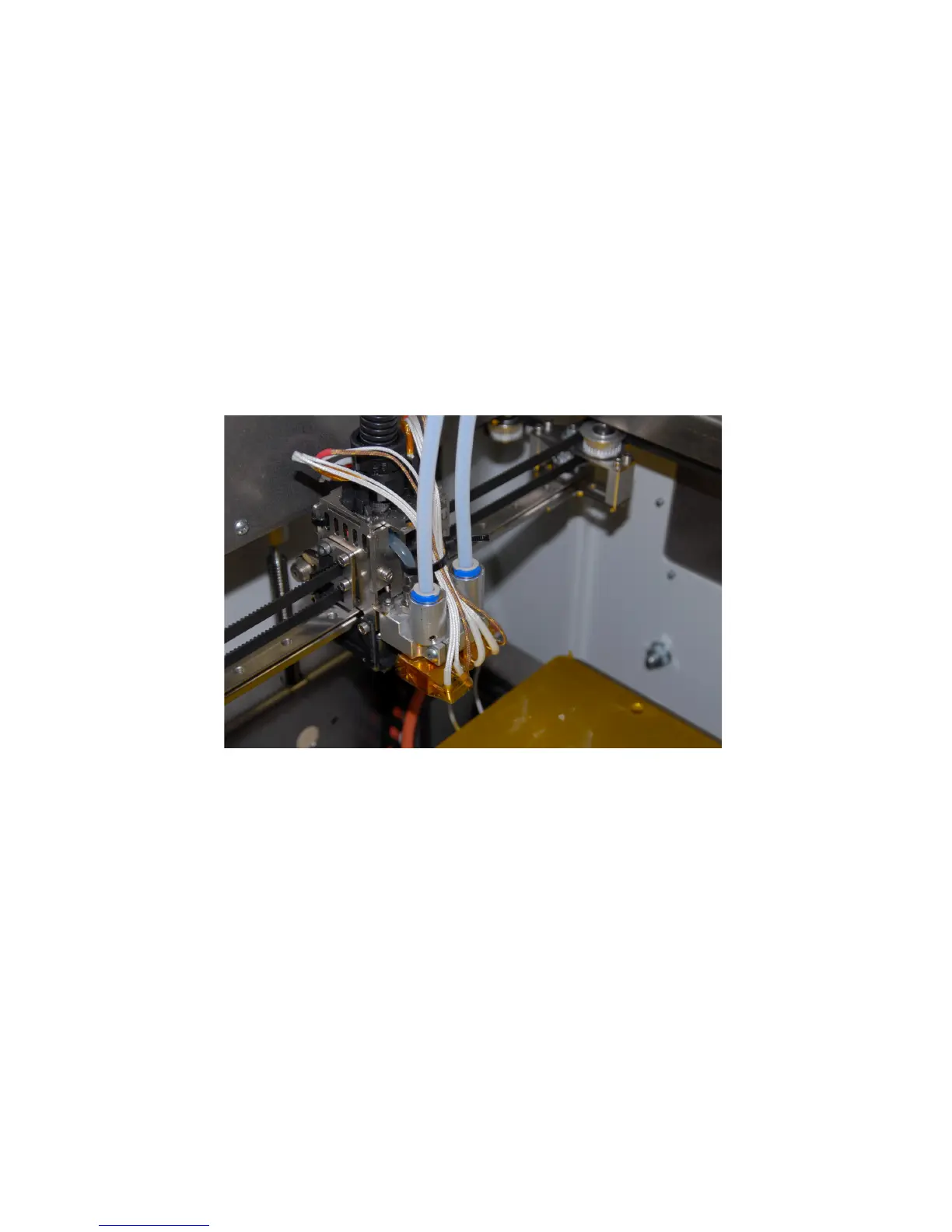
When feeders are mounted and wired, you can connect PTFE piping on extruders-
Before going on, remove blue lock parts (circlips) on tube adapters: hold them with nails or tweezers and pull
sideways.
Front-side extruder is the #1, therefore has to be fitted with leftmost PTFE piping (looking from frontal printer
area).
Connection is performed simply inserting PTFE pipe into tube holder, pushing it until fully seated then locking
putting back on the blue locking collar.
Perform same duty with remaining extruders, taking care not to entangle piping.
Now you can load the filament to be used: take one spool, remove it from packaging media and use a pencil
sharpener (or scissors) to get a cone-like tip. If initial length of filament (5 cm approx) is bent, straighten it as
much as you can to ease initial feeding process. For further details refer to “filament loading” section in
following pages.
Now you can connect the printer to AC socket with the supplied cable.
12



 To Next Page