Installation
Before committing to lifting printer from the shipment pallet, be sure to have the means to lift
weights over 30 Kg:
• A4 printer: two people will suffice to lift it from ground level to the destination desktop
• A2 printer: best scenario is using a forklift to bring the pallet+printer at pedestal lever
(approx 70cm) then three-four people can lift the printer and position it at the destination
placement
IMPORTANT: printers have several mechanical parts below lower plate, therefore DON'T LIFT the
printer alone with forklift or transpallets
Once machine is resting on pedestal/desktop, open the front door: inside printing area you will find a box
containing USB cable, AC cable, filament feeders with PTFE piping, spool holders, trial spools.
Before connecting AC power, you must mount the supplied devices.
Procedure is same for all printer models.
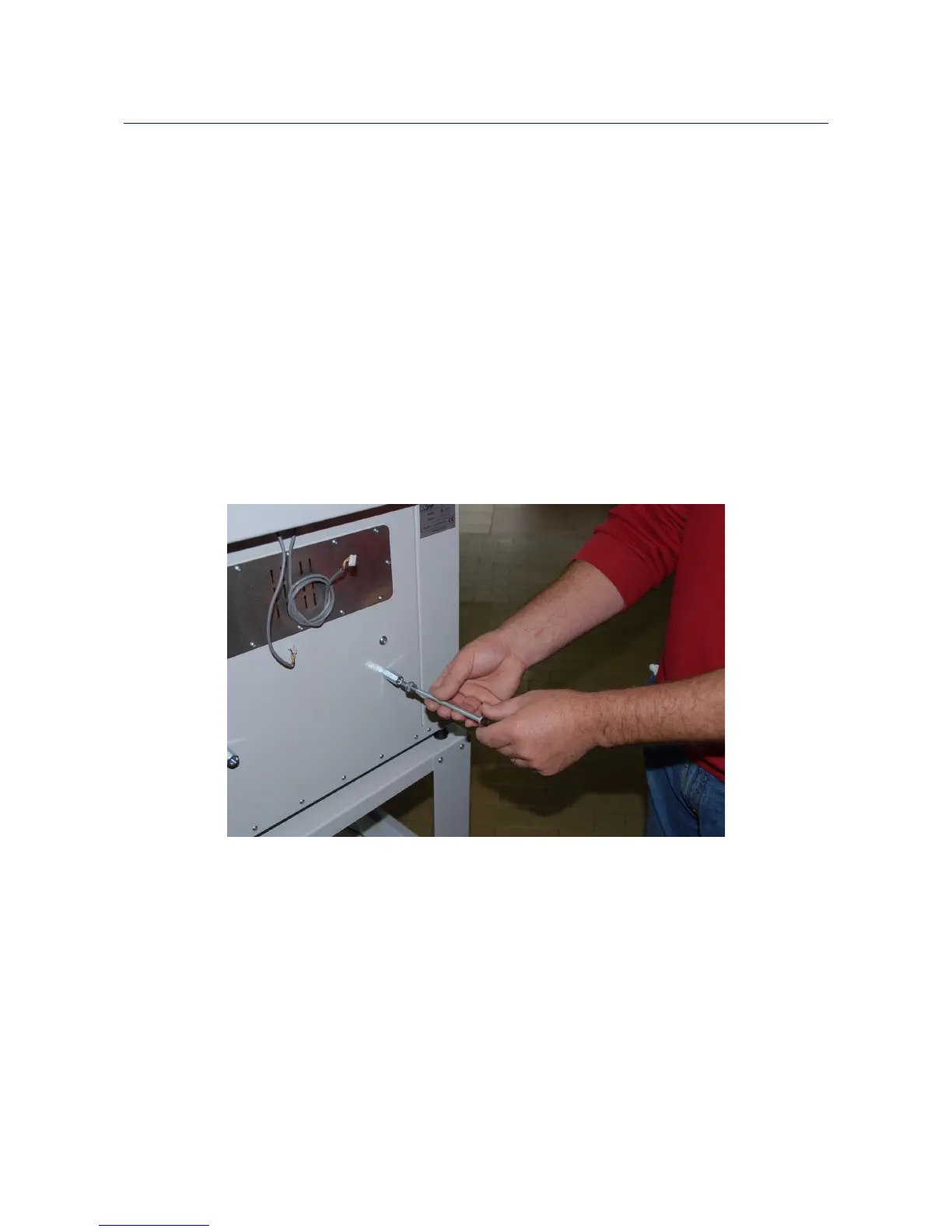
The spool holders need to be secured tightening the 13mm nut.
8



 To Next Page