Printer use
Loading filament
To prepare the filament to be used, just two simple steps are required:
1. Make a cone-like tip to the filament end, using a pencil sharpener or a scissor, to improve
insertion process
2. Usually, filaments retain the spool curvature, therefore straightening the filament's end will
ease the insertion in feeding device.
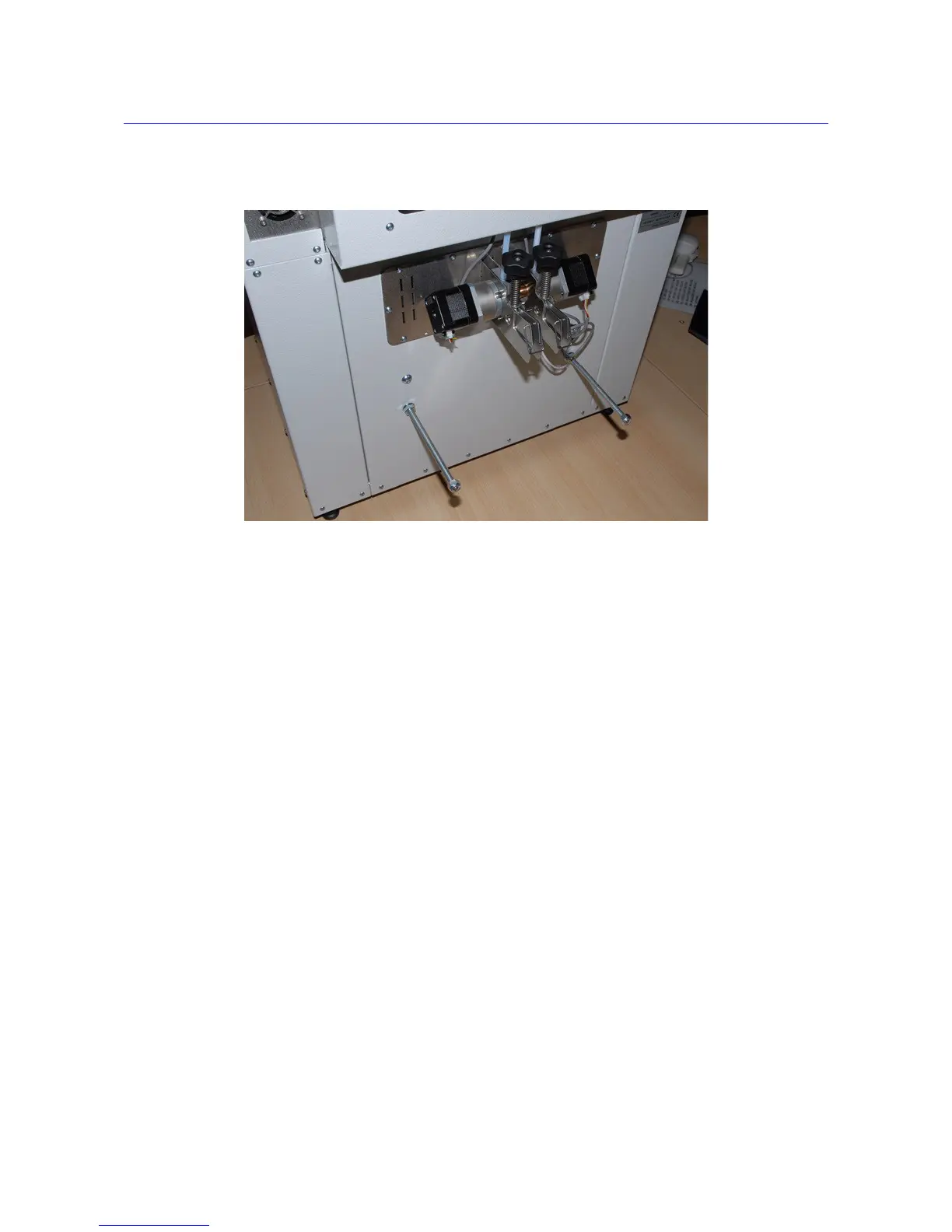
To feed filament:
1. Grab feeding device handle and lock it open using the pivoting ring on the handle
2. Feed the filament into the hole on the lower part of feeding device
3. Push in the filament until it stops when it reaches the extruder assembly
4. Release the locked feed handle
18



 To Next Page