Firmware update
New firmware releases may be released to improve the machine or even add new functions.
Each time new firmware is released for your printer model, you will receive an email to let you know about
this possibility: you will be then given a link to download the upgrade.
To understand which release is running on your machine, just use Repetier
Host:
1. Connect to your printer
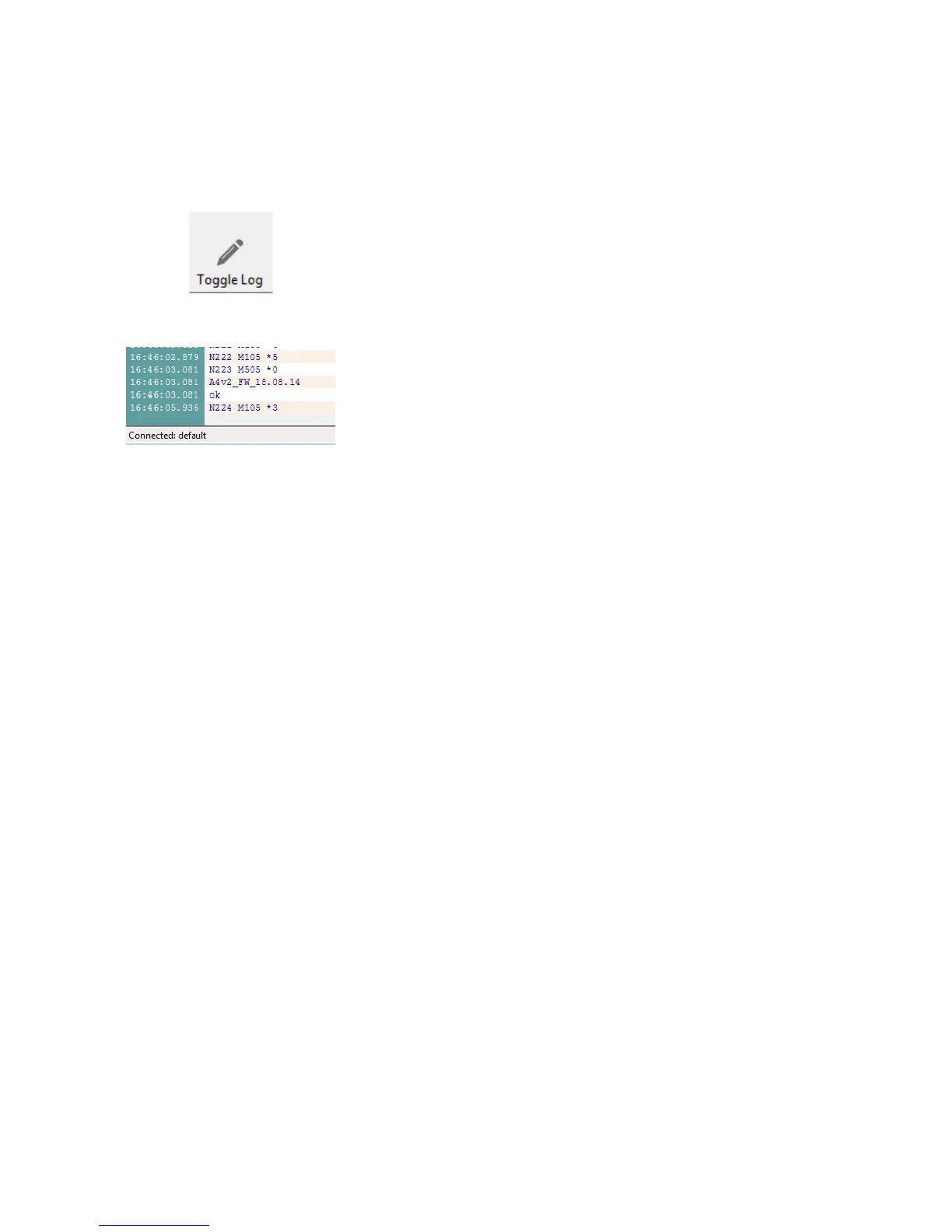
2. Enable the log
3. Using the “manual control” tab, use the “GCODE” control to send
the “M505” command
4. Machine will reply with the version number currently running
(“18.08.14” in Fig 42)
5. If the machine has a firmware much older than the one available,
please consider the update: you can look at the changelog to see
improvements and new features available
NB.: Machine from earlier production lots won't reply with a release number.
35



 To Next Page