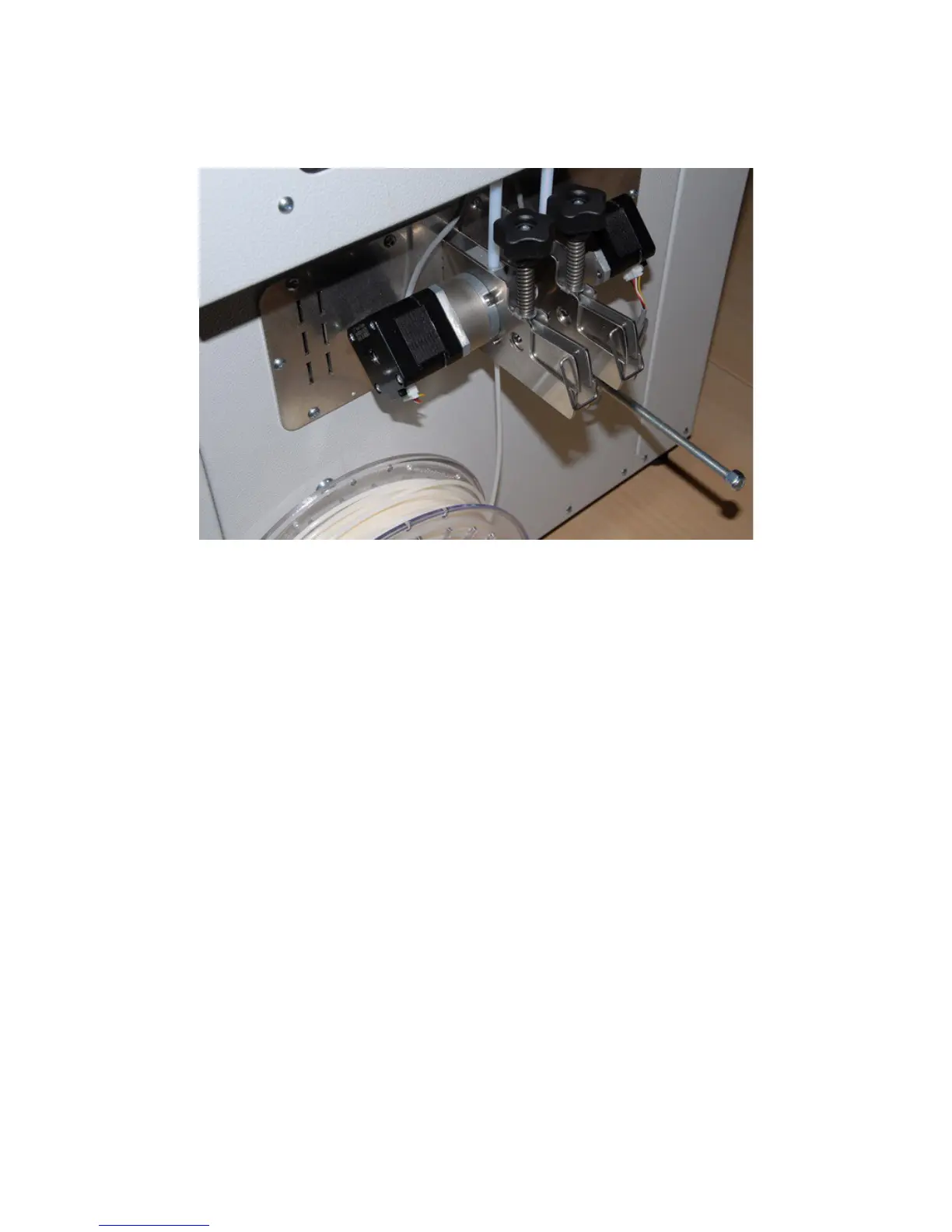
The knob above each feeding device sets the pressure on the feeding roller: more pressure will
improve traction but will increase the chances of ruining the filament.
The pressure is set correctly when during feeding and retraction the handle is not moving up and
down (symptom of feed roller “chewing”) the filament).
Filament removal – idle machine
Filament cannot be removed when machine is “cold”, as it will be melt inside extruder, therefore to remove it
you need to follow those easy steps:
1. Set the extruder at 70% of working temperature (usually almost all polymers start softening at 160°-
170° C, enough to remove filament)
2. When required temperature is reached, grab the feeder handle and lock it open
3. Pull and remove filament from machine
20



 To Next Page