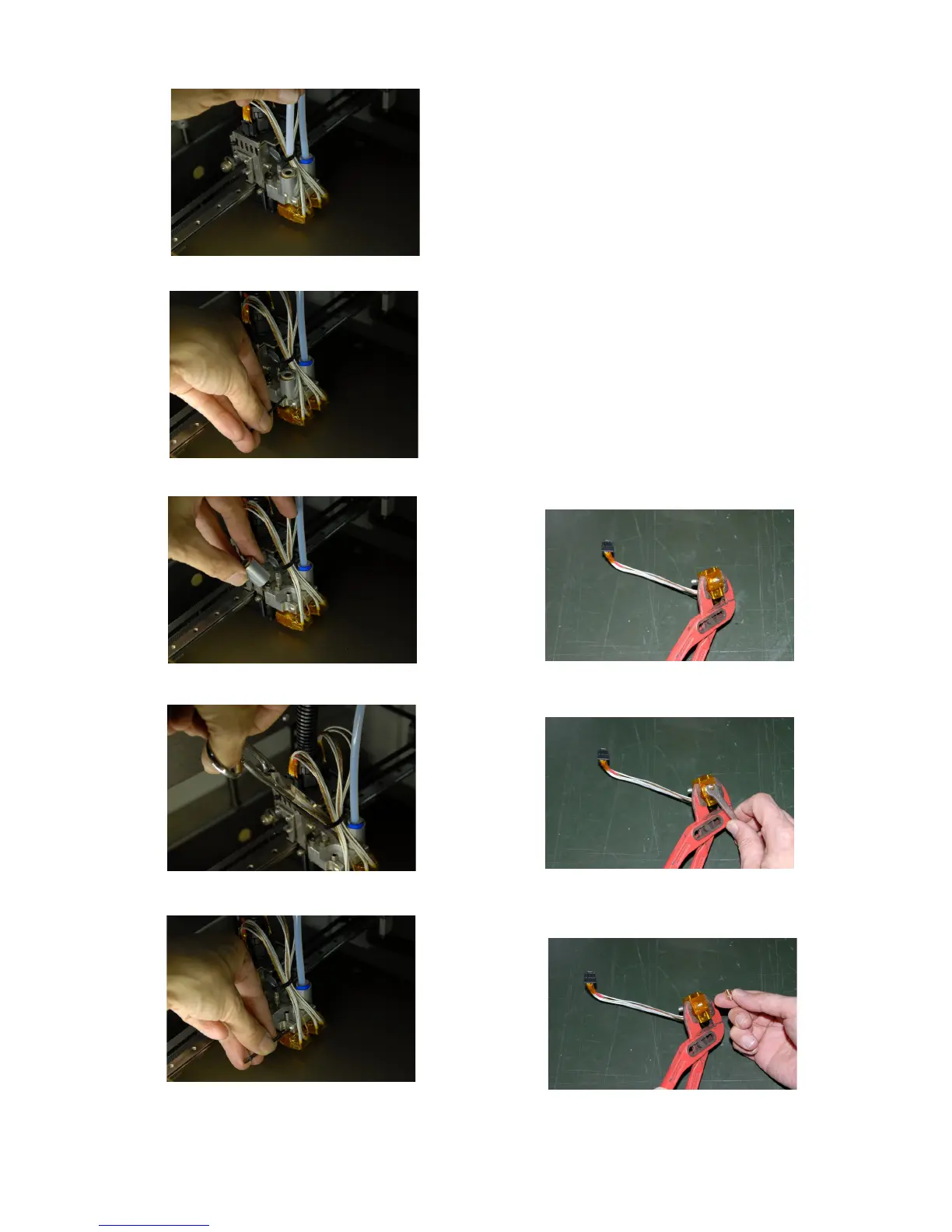
13. Now extruder block(5) can be removed
pulling down
14. To change nozzle(6):
1. Hold the extruder body (with a vice or
a plier)
2. Use a 7mm key to remove the nozzle
3. Replace the new nozzle and tighten it
(no need for excessive torque)
15. Put the extruder block back on the
support, pushing up all the way (will be at
higher level than before). Tighten
temporarily the extruder locking screw
16. Put back on the tube adapter
17. Plug in the extruder electrical connection
18. Perform the Z nozzle leveling procedure
19. Put back on the PTFE piping
20. Secure PTFE piping with the locking ring
21. Feed filament to the extruder
27
Fig 22: Remove PTFE piping
Fig 23:Unlock tube holder grain
Fig 24:Remove tube holder
Fig 26:Remove strap
Fig 28: Unlock extruder screw
Fig 25: Hold extruder
Fig 27: Nozzle removal
Fig 29: New nozzle



 To Next Page