4.2 Performing a zero offset using your 4iiii App (Bluetooth Smart)
Zero offset is performed by pairing your
powermeter with the 4iiii App, not through the
phone’s Bluetooth settings. Follow these steps:
1. Unclip and dismount from your bike
2. Spin the crank arms four times to
wake your powermeter
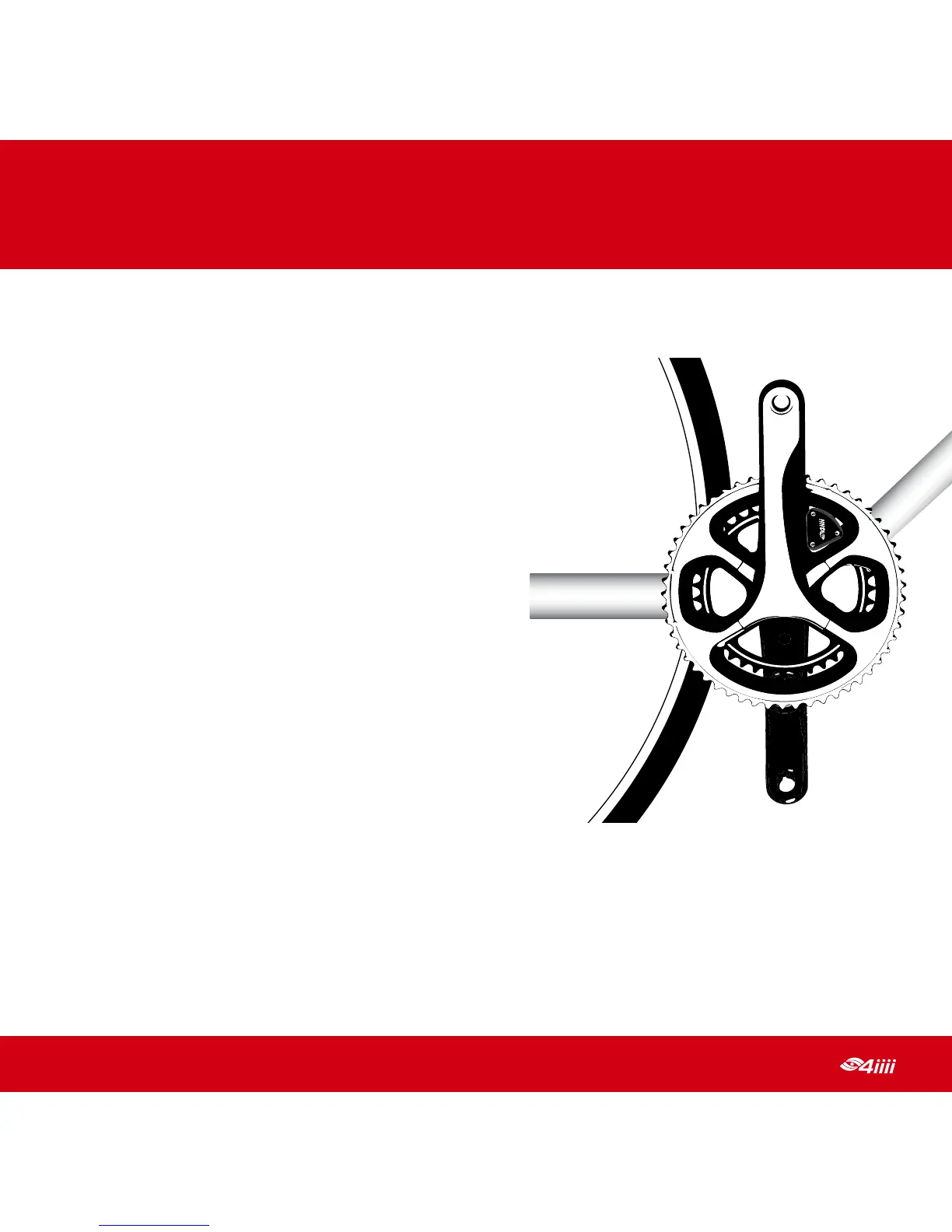
3. Place your crank arms in the
12 and 6 o’clock positions
4. Ensure that you have an internet
connection (cellular or WiFi) and
that Bluetooth is enabled in your
smartphone settings
5. Open the 4iiii App
6. Tap on the menu and select
PRECISION Configuration
7. If your powermeter is not already paired with the 4iiii App, you will
be presented with a list of nearby powermeters, select your powermeter
from the list
8. Once the left edge of the PRECISION info pane turns green for both sides,
tap the Zero button
4
PERFORMING A ZERO OFFSET



 To Next Page