GLUCOFIX
®
TECH - 51415 - 02/20
UK
25
5.2 Viewing results averages
You can view the result averages over the set intervals (1, 7, 14, 30, 60 or 90 days).
a. Follow steps a and b in §5.1.
b. Press to enter the average mode (the “AVG” icon appears on the screen).
c. The 1-day average appears on the screen.
d. Press to scroll through the averages.
e. After reviewing the 90-day average, press to return to the memory recall mode (step c of § 5.1).
f. Hold for 3 seconds to switch the meter o.
NOTE
● If there are less than 2 results in the memory for the averaged period, the screen displays “ooo”.
If there are no results, the screen displays “ooo”.
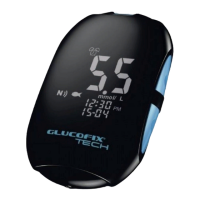
● The averaging function equalises HI results to 33.3 mmol/L and LO results to 1.1 mmol/L.
5.3 Data transmission
Test results stored in the GLUCOFIX
®
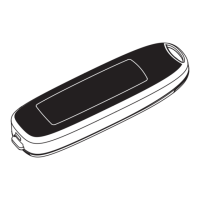
TECH meter’s memory can be also downloaded to GlucoLog
®
software or apps by means of either NFC, a dedicated cable, or a Bluetooth dongle distributed by
A. Menarini Diagnostics only.
5. MANAGING YOUR TEST RESULTS


 To Next Page