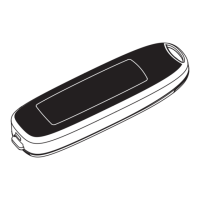
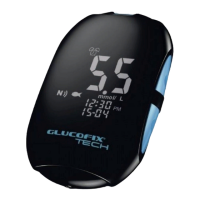
GLUCOFIX
®
TECH - 51415 - 02/20
UK
30
6.3 Beeper setup
The beeper on your GLUCOFIX
®
TECH meter is preset to ON. You can adjust the beeper feature
as follows.
a. Press or to turn the beeper ON or OFF.
b. Press to conrm and return to the setting menus (step c §6).
WARNING
● Turning o the beeper could mean you miss many important cues from your meter, such as
conrmation or error messages.
6.4 Hypo/hyper alarms setup
Your GLUCOFIX
®
TECH meter has an alarm feature that allows you to set your high (hyperglycaemia)
and low (hypoglycaemia) blood glucose thresholds. Based on the values set, the screen will show
“hypo” or “hyper”, depending on whether your blood glucose test result is below your low glucose
or above your high glucose threshold values.
WARNING
● Consult your doctor or healthcare provider when setting the Hypo and Hyper values.
● Do not alter or stop your medication based on this feature, always consult your doctor or
healthcare provider before altering or stopping medication.
6. METER SETUP


 To Next Page