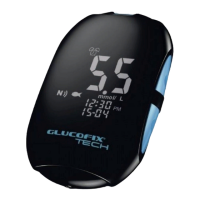
GLUCOFIX
®
TECH - 51415 - 02/20
UK
28
NOTE
● At anytime during set up, you may either press to exit, or insert a test strip to perform a test.
The changes made so far will be memorized by the meter.
6.1 Date/Time setup
Use or to select the correct value. Press to conrm and move on to the next step: year,
month, day, time format (12H, 24H), hour, minutes.
After conrming the minutes (by pressing ) return to the setting menus (step c §6).
NOTE
● Date is in the DD-MM format.
6.2 Alarm setup
You can set up to six alarms on your GLUCOFIX
®
TECH meter: three for glucose test remind, and
three for β-Ketone test remind. When the alarm reaches the set time, the meter sounds for 30
seconds.
NOTE
● Press or insert a test strip to stop the acoustic meter alarm (the alarm will remain set).
6. METER SETUP


 To Next Page