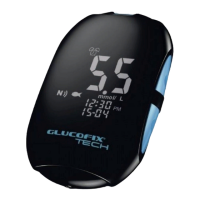
GLUCOFIX
®
TECH - 51415 - 02/20
UK
31
You can set up the hypo and hyper threshold values as follows:
a. Press
or to turn the hypo alarm ON/OFF.
b. Press to set the hypo alarm value (if ON).
c. Press or to select the desired value. Press and hold either or to accelerate the
numbering.
d. Press to conrm the selection and move on to the hyper alarm setup.
e. Press or to turn the hyper alarm ON/OFF.
f. Press to set the hyper alarm value (if ON).
g. Press or to select the desired value. Press and hold either or to accelerate the
numbering.
h. Press to conrm the selection and return to the setting menus (step c §6).
6.5 NFC setup
The NFC function on your GLUCOFIX
®
TECH meter is preset to OFF and can be enabled as follows:
a. Press the or buttons to select ON or OFF.
b. Press to conrm and exit.
6. METER SETUP


 To Next Page