EMB-H81B
2-6
IMPORTANT:UnplugallpowercablesbeforeinstallingtheCPU.
CAUTION!
• Uponpurchaseofthemotherboard,ensurethatthePnPcapison
thesocketandthesocketcontactsarenotbent.Contactyourretailer
immediatelyifthePnPcapismissing,orifyouseeanydamagetothe
PnP cap/socket contacts/motherboard components. The manufacturer will
shoulder the cost of repair only if the damage is shipment/transit-related.
• Keepthecapafterinstallingthemotherboard.Themanufacturerwill
processReturnMerchandiseAuthorization(RMA)requestsonlyifthe
motherboardcomeswiththecapontheLGA1150socket.
• Theproductwarrantydoesnotcoverdamagetothesocketcontacts
resultingfromincorrectCPUinstallation/removal,ormisplacement/loss/
incorrectremovalofthePnPcap.
2.4 Central Processing Unit (CPU)
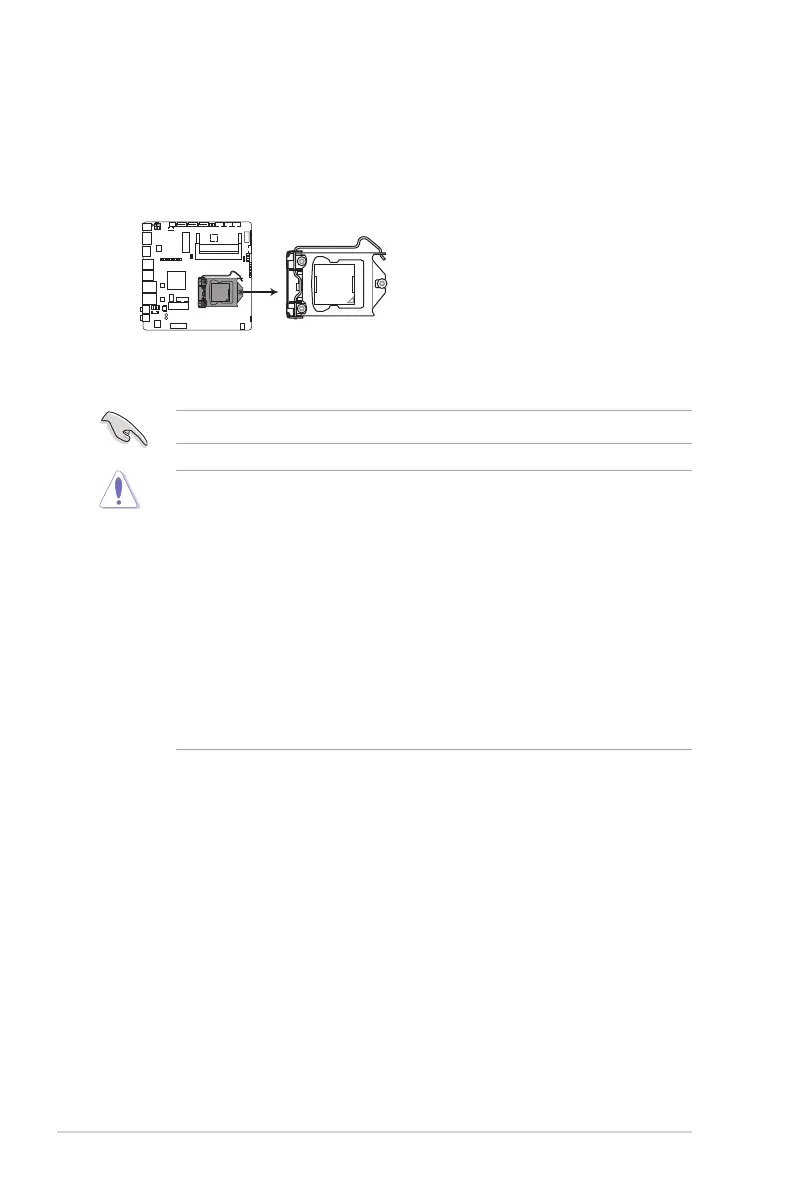
ThemotherboardcomeswithasurfacemountLGA1150socketdesignedfor
theIntel®4thGenerationCore™i7/Core™i5/Core™i3,Pentium
®
/Celeron
®
processors.
EMB-H81B CPU socket LGA1150



 To Next Page