7
Set the Clock
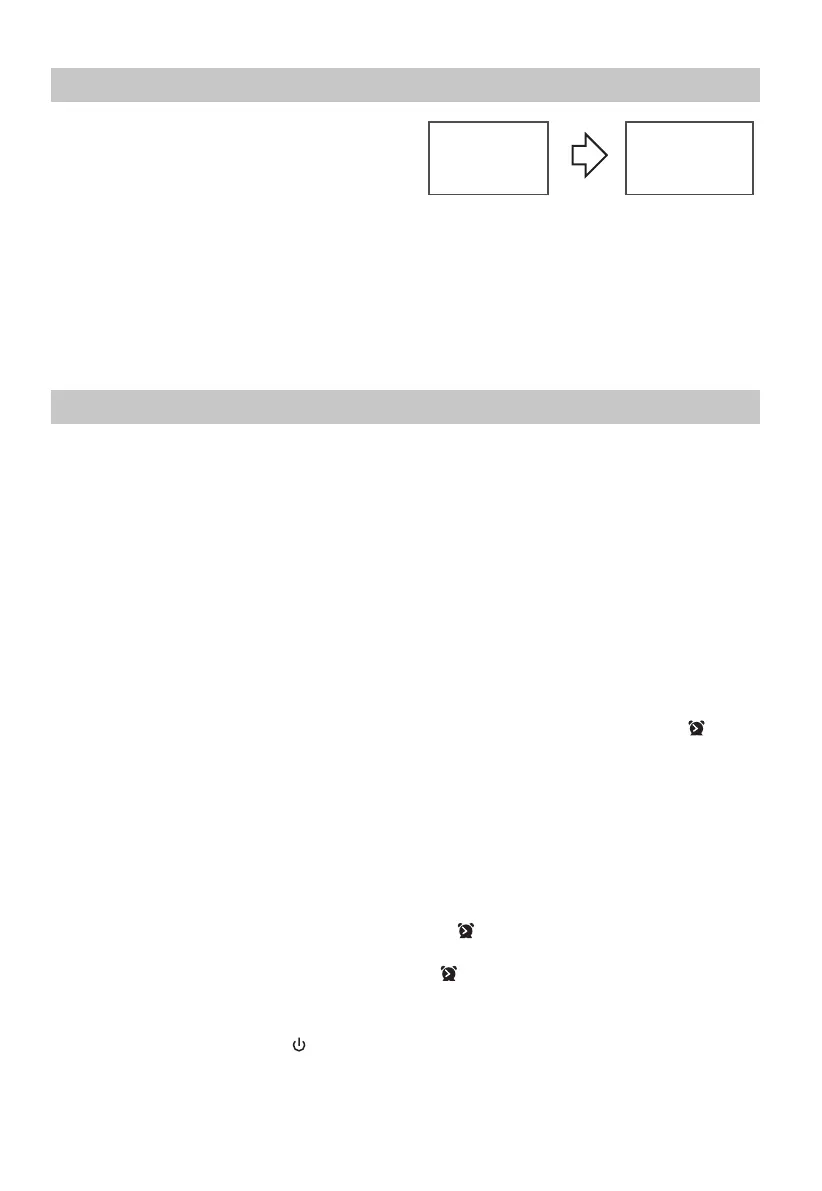
- Manual Setting the clock can only be done in
STANDBY mode.
1 In STANDBY mode, press and hold the CLOCK
button on the remote control until the hour digits
are ashing.
- Press the
B
button on the remote control to select 12/24 hour format.
2 Press the
,
buttons on the remote control or on the unit to adjust the hour digits while ashing,
then press CLOCK button on the remote control to conrm, then the minute digits will ash.
3 Press the
,
buttons on the remote control or on the unit to adjust the minute digits while ashing,
then press the CLOCK button on the remote control to conrm.
- Each activated state will be cleared if any buttons are not pressed within 15 seconds.
Set the alarm Timer
- The clock must be correctly set for the timer to operate correctly.
1 In STANDBY mode, press and hold the TIMER button on the remote control until the hour digits ash
on the display.
2 Press the
,
buttons on the remote control or on the unit to adjust the hour digits, and then press
the TIMER button on the remote control to conrm, the minute digits will ash on the display.
3 Press the
,
buttons on the remote control or on the unit to adjust the minute digits, and then
press the TIMER button on the remote control to conrm, the mode will ash on the display.
4 Press the
,
buttons on the remote control or on the unit to select:
• DISC (to wake to your DISC music)
• USB (to wake to your USB music)
• FM (to wake to your selected FM Radio Station)
Press the TIMER button on the remote control to conrm, the display will show the volume level.
5 Press the
,
buttons on the remote control or on the unit to adjust the volume, and then press the
TIMER button on the remote control to conrm, the display will show the current time and “ ” will
appear from the display.
Tips:
- Each enabled state will be cleared if a button is not pressed within 15 seconds.
- If the DISC/USB source is selected, but no DISC is placed or no USB connected, the system switches to
the FM automatically.
- The FM tuner timer will show the last tuned station.
• Activate and Deactivate the Alarm Timer
- Press the TIMER button on the remote control to view the alarm settings or activate the alarm.
- To deactivate the alarm, press the TIMER two times. The “ ” will disappear from the display on the
front of the unit.
- To activate the alarm, press the TIMER two times. The “ ” will show from the display on the front of
the unit.
• Stop Alarm Ring
- When the alarm rings, press the button on the remote control or on the unit or press the TIMER
button. The alarm stops but the alarm settings remain.
--:--
00:00
1
1
1
1


 To Next Page