LCD DISPLAY SCREENS
13
BACnet
®
General Controller Technical Guide
Settings Screens
MAC ADDR
0-254
DEVICE ID
0-30,000
BACnet
®
- CURRENT MAC ADDRESS
Valid range is 0 to 254. Default is 0.
BAC BAUD
38400
BACnet
®
- CURRENT BAUD RATE
9600, 19200, 38400, 57600, 76800. Default is 38400.
SETTINGS Screens
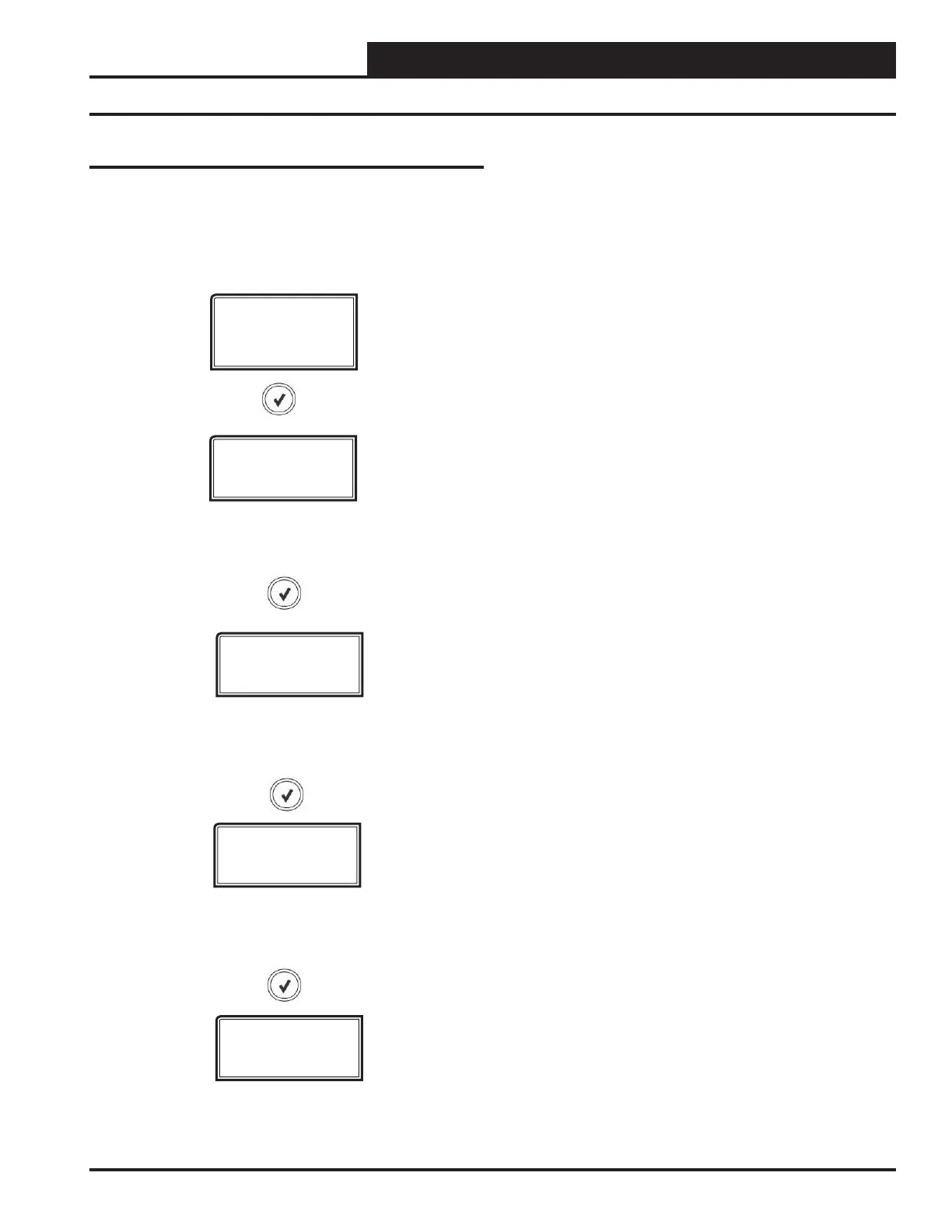
Refer to the following map when navigating through the SET-
TINGS Screens. From the SETTINGS Screen, press <ENTER> to
scroll through the screens and change setpoints. Use the <UP> and
<DOWN> arrow keys to change your selections.
SETTINGS
ID START
0-30,000
BACnet
®
- CURRENT ID Start
Range is 0-30,000 in increments of 1000. Default is 15,000.
BACnet
®
- CURRENT DEVICE ID
The actual Device ID is the ID Start # plus whatever is added or
subtracted from this screen. Range is 0-30,000 in increments of 1.



 To Next Page