LCD DISPLAY SCREENS
12
BACnet
®
General Controller Technical Guide
RELAYS Status Screens
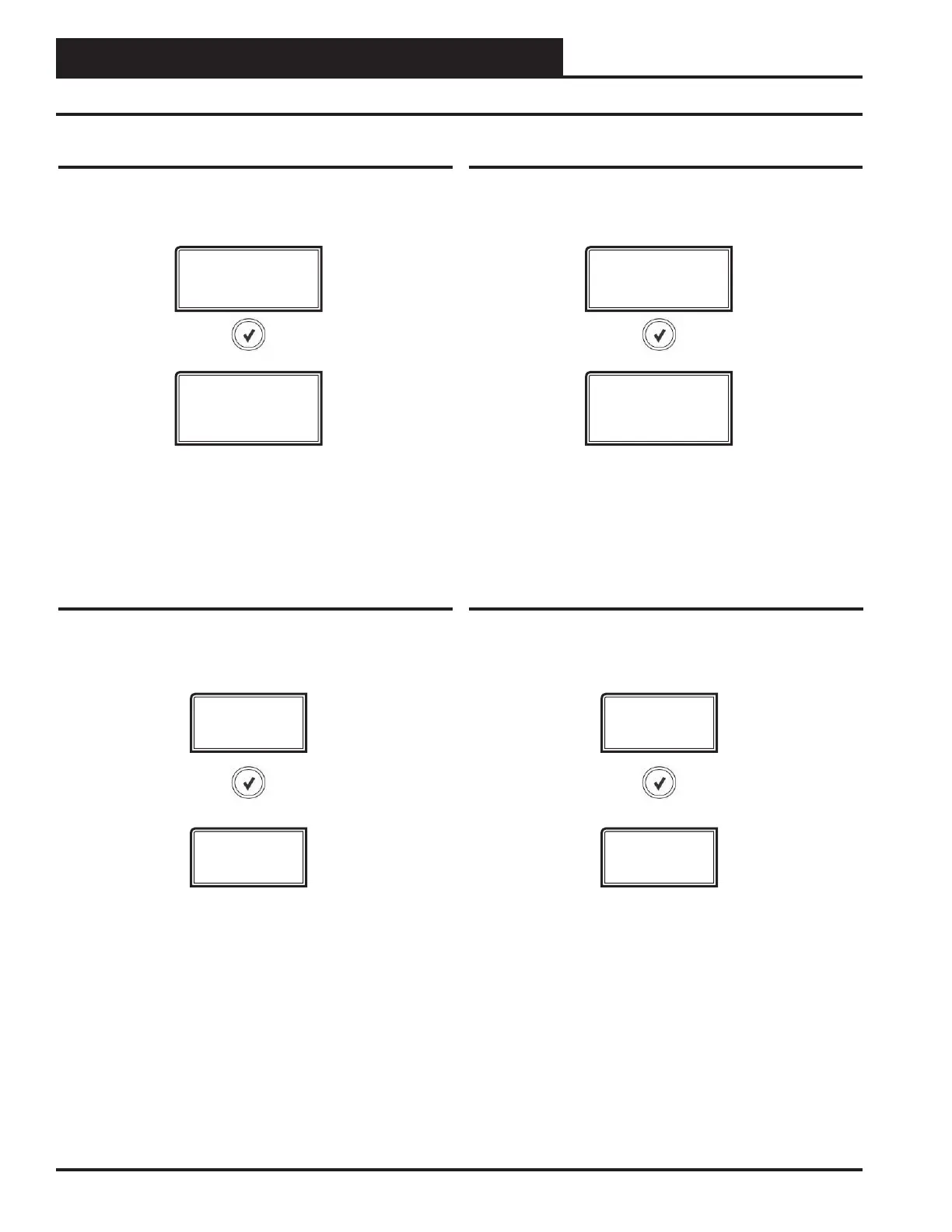
RefertothefollowingmapwhennavigatingthroughtheRELAY
StatusScreens.FromtheRELAYSScreen,press<ENTER> to scroll
through the screens.
RELAYS
Status Screens
RELAYS 1-8
ACTIVE or
INACTIVE
RELAYS 1-8
The 8 Relay Screens display the status of each relay -
either ACTIVE or INACTIVE
ANALOG
OUTPUT
ANALOG OUTPUT Status Screens
Refer to the following map when navigating through the Analog
OutputStatusScreens.FromtheANALOGOUTPUTScreen,press
<ENTER> to scroll through the screens.
ANALOG 1-4
X.X VDC
ANALOG OUTPUTS 1-4
The 4 Analog Output screens display the current voltage of
each Analog Output.
BINARY INPUT Status Screens
RefertothefollowingmapwhennavigatingthroughtheBINARY
INPUTStatusScreens.FromtheBINARYINPUTSScreen,press
<ENTER> to scroll through the screens.
BINARY
INPUTS
BINARY #1-#8
ACTIVE or
INACTIVE
BINARY INPUTS #1-#8
The 8 Binary Input Screens display the status of each
Binary Input - either ACTIVE or INACTIVE
ANALOG
INPUTS
ANALOG INPUT Status Screens
Refer to the following map when navigating through the Analog
InputStatusScreens.FromtheANALOGINPUTSScreen,press
<ENTER> to scroll through the screens.
ANALOG 1-8
X.X
ANALOG INPUTS 1-8
The 8 Analog Input screens display the current value of each
Analog Input.



 To Next Page