Loading External Content Cont.
10
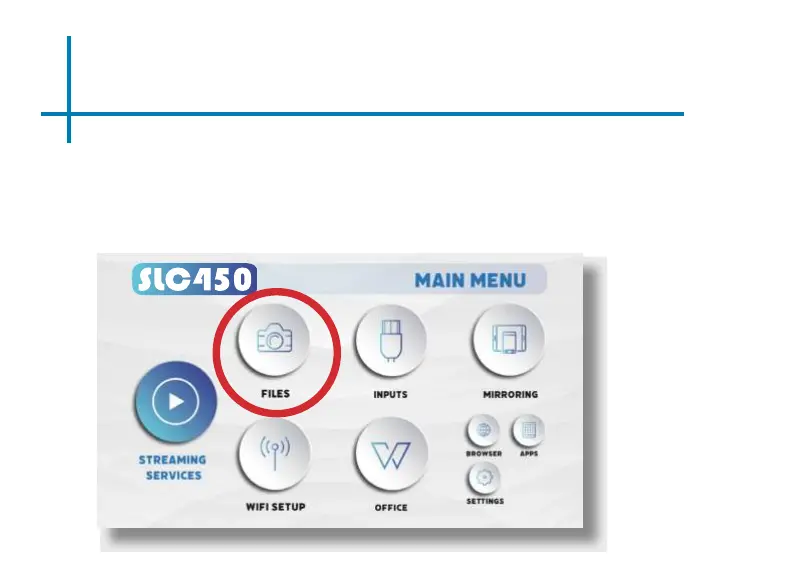
Once your TF Card or USB Drive is inserted into the projector, the TF Card or
USB Drive Storage will be loaded automatically and the content can be found
through the Files icon on the Main Menu ( See Page 21 for File Viewer Sub-
menu).
To load Text documents, select the Office icon.(See Page 18 to learn more)















 To Next Page