32
Keystone Correction
Keystone Correction
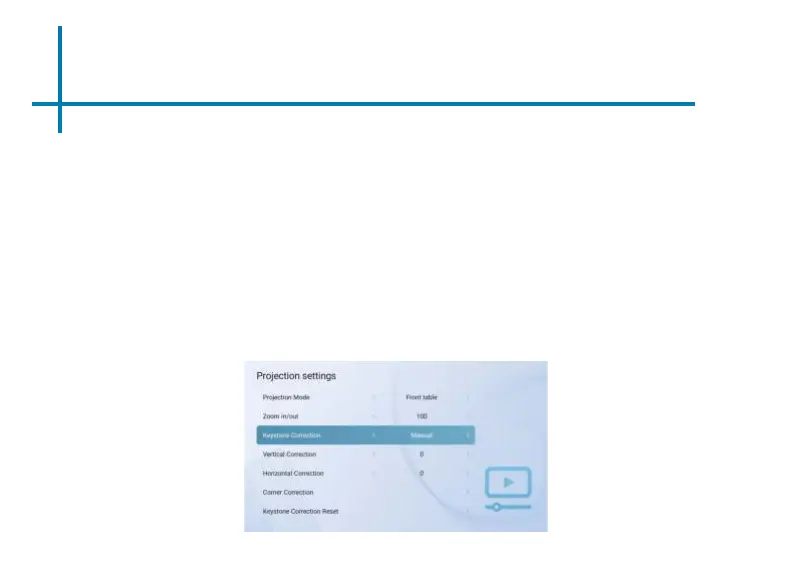
① The SLC450 features 4-way adjustable keystone.
② To adjust Keystone go to Settings→Display→Keystone Correction.
• Basic Keystone correction can be done by adjusting “Vertical Correction” or “Horizontal
Correction”.
• For Complex Keystone Correction, select “Corner Correction”. Corner Correction is
adjusted by selecting each corner of the screen and adjusting the X or Y coordinate. The
adjustments will push or pull the screen at each corner along the X or Y axis.















 To Next Page