SLC450
27
Settings Menu
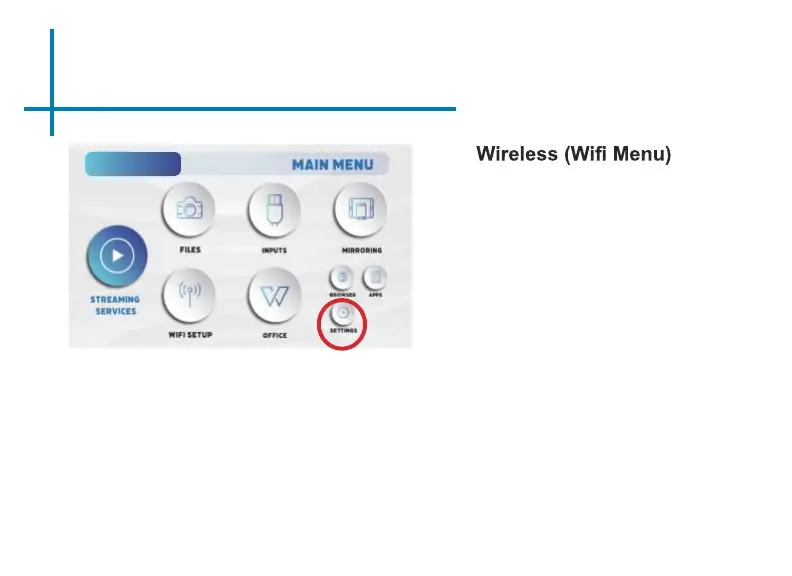
The Settings Menu can be accessed by selecting “Settings” on the Main Menu.
Advanced
Language
Display
Bluetooth
Backup/Reset
About
Within the settings menu, there are
eight more submenus that allow you
to customize your SLC450 to the settings
you want:
Brightness
• Eco
• Standard
• Boost
Chapter 4
• Boot Signal Input
• Boot APP
• Power-on Mode
• Key Tone
• Screen Saver
• Screensaver Timeout Shutdown
• HDMI control
• Projection Mode
• Zoom In / Out
• Keystone Correction
• Vertical Correction
• Horizontal Correction
• Corner Correction
• Keystone Correction Reset















 To Next Page