27
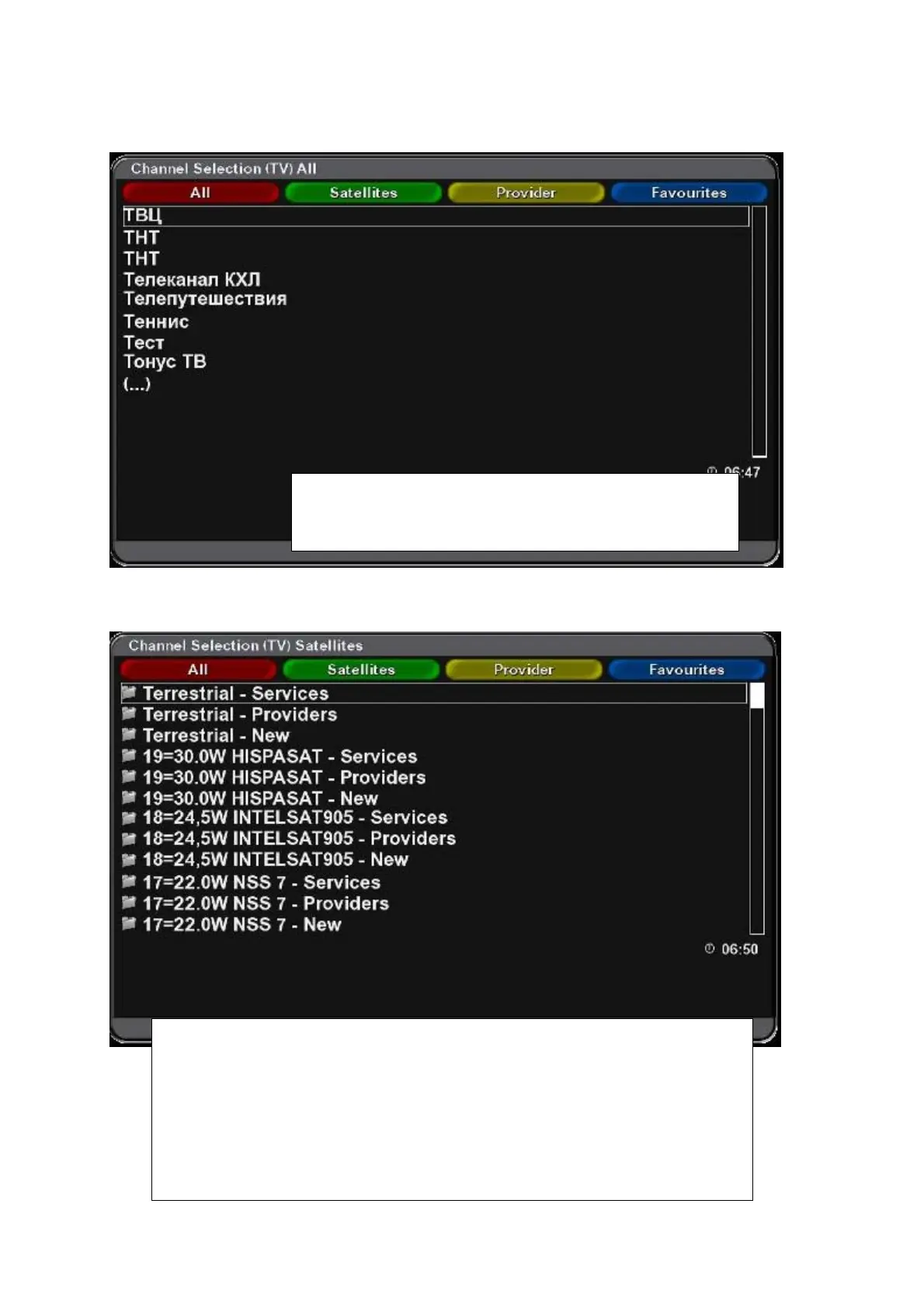
Selecting a channel from ALL
Selecting a channel from Satellites list
Press OK to display list of channels. Press Red function
button to display list of „All“ channels. Use cursor buttons to
select desired channel and press OK.
Press OK to display list of channels. Press Green function button (Satellites) to
display list of available satellites. Use cursor buttons to select desired satellite and
channel and press OK.
Channels can be sorted into three subgroups:
Services – All channels from selected satellite in alphabetical order.
Providers – Displays list of providers. Select a provider and press OK. Channels of
selected provider will be displayed.
New – Only new channels after last searching will be displayed.



 To Next Page