Chapter 3 - Handling of Control Panel CDP 31x
DCS 500B / DCP 500B Operating Instructions IV A 3 - 11
Depending on the drive´s condition and the status of the commis-
sioning, UPLOAD has to take place before DOWNLOAD, otherwise
a warning may be displayed:
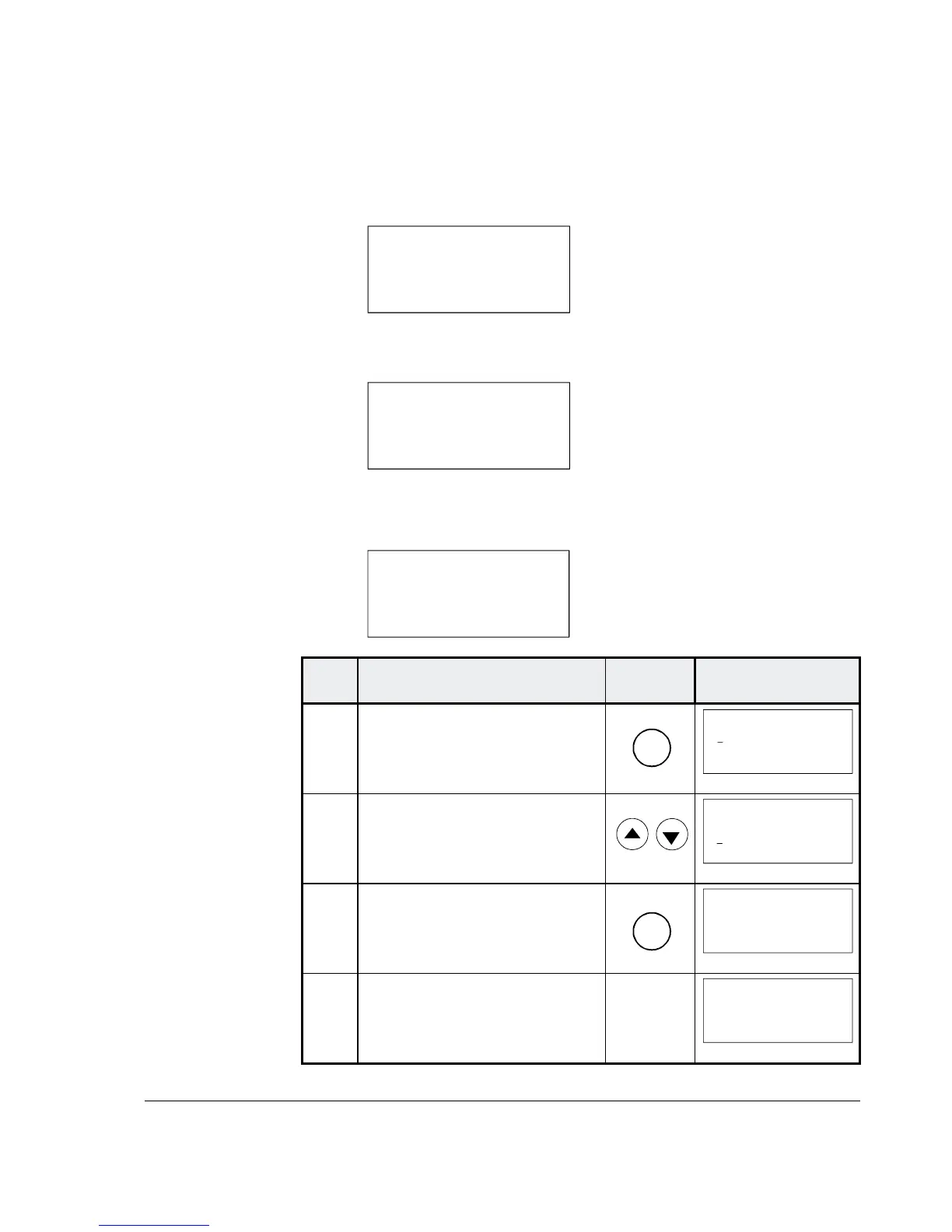
**WARNIN
G**
NOT UPLOADED
DOWNLOADING
NOT POSSIBLE
The drive must be in stopped state during the DOWNLOAD proc-
ess, otherwise the following warning is displayed.
**WARNIN
G**
DRIVE IS RUNNING
DOWNLOADING
NOT POSSIBLE
The drive that receives the downloaded parameters must have a
compatible software version to the drive from which the parameters
were uploaded. Otherwise the panel will display a warning:
**WARNING**
DRIVE UNCOMPATIBLE
DOWNLOADING
NOT POSSIBLE
Step Function Press key Display after key is
pressed
1.
To enter the Function Mode
FUNC
0 L 0.0 rpm 00
UPLOAD <= <=
DOWNLOAD => =>
CONTRAST 7
2. To select a function.
0 L 0.0 rpm 00
UPLOAD <= <=
DOWNLOAD => =>
CONTRAST 7
3. To activate the selected func-
tion.
ENTER
0 L 0.0 rpm 00
=> => => => => => =>
DOWNLOAD
4. Loading complete.
0 L 0.0 rpm 00
SPC:OUT 0.0 %
CONV CUR 0 A
U ARM AC 0 V
_




 To Next Page