PositionMaster EDP300 DIGITAL POSITIONER | CI/EDP300-EN REV. D 37
Moving to end positions after completion of automatic
adjustment
Process dis
la
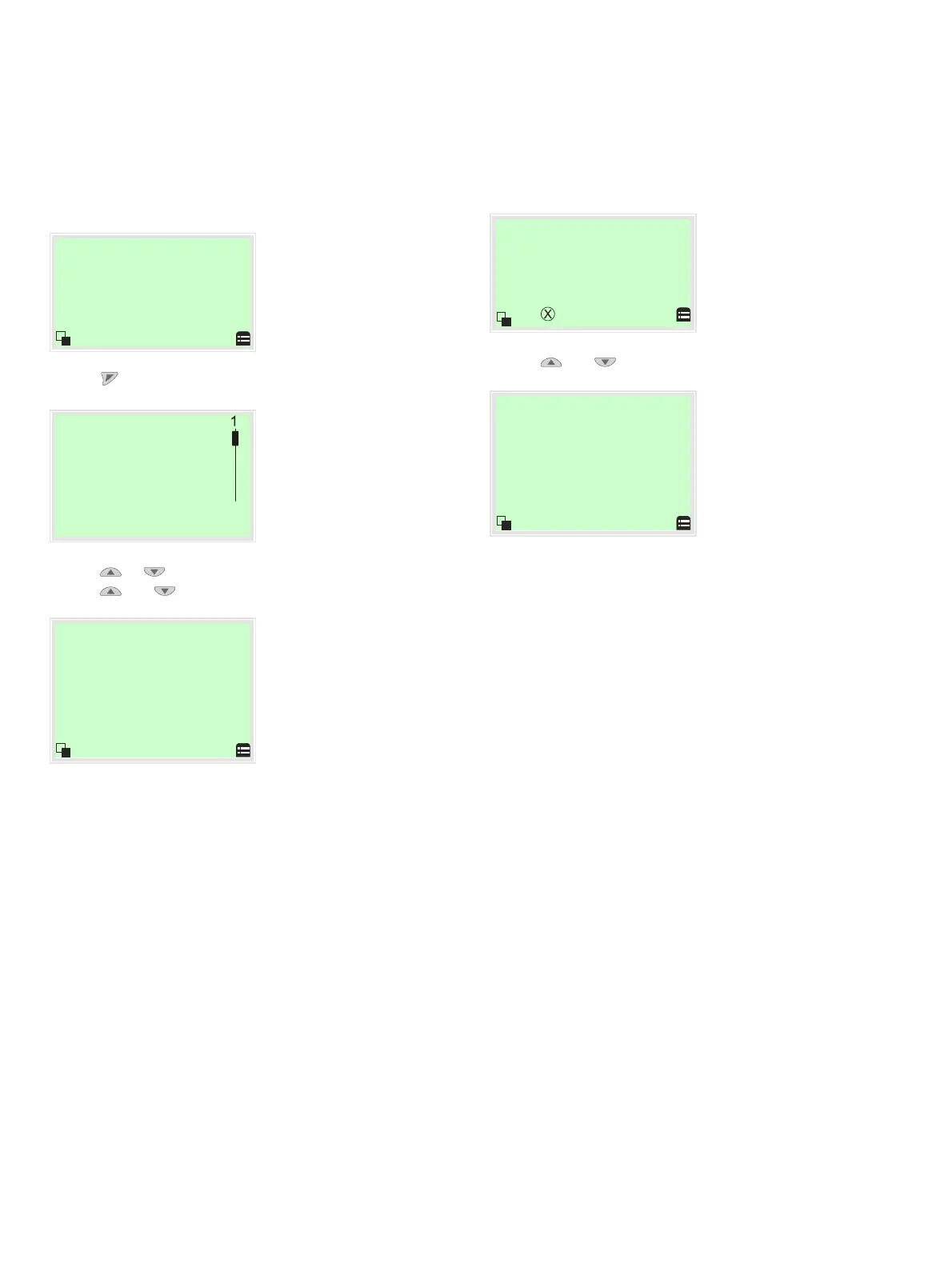
1. Use to switch to the Operating Mode menu.
O
eratin
mode
Auto Adjust
O Adaptive
O Control
O Manual SP
O Manual Sensor
Configuration
Back O
2. Use or to select the ‘Manual Sensor’ operating mode.
3. Use and to move to the relevant end positions.
-45.0
Pos. Ang.
°
Check the end positions. The angle of rotation is displayed in
degrees.
Recommended range:
• between −30 to 30° for linear actuator
• between −45 to 45° for rotary actuator
Moving to end positions with a new device
Process dis
la
1. Use and to move to the relevant end positions.
-45.0
Pos. Ang.
°
Check the end positions. The angle of rotation is displayed in
degrees.
Recommended range:
• between −30 and 30° for linear actuator
• between −45 and 45° for rotary actuator
Auto Adjust must then be performed.
See Start automatic adjustment on page 40.



 To Next Page