40 PositionMaster EDP300 DIGITAL POSITIONER | CI/EDP300-EN REV. D
… 8 Operation
… Parameterization of the device
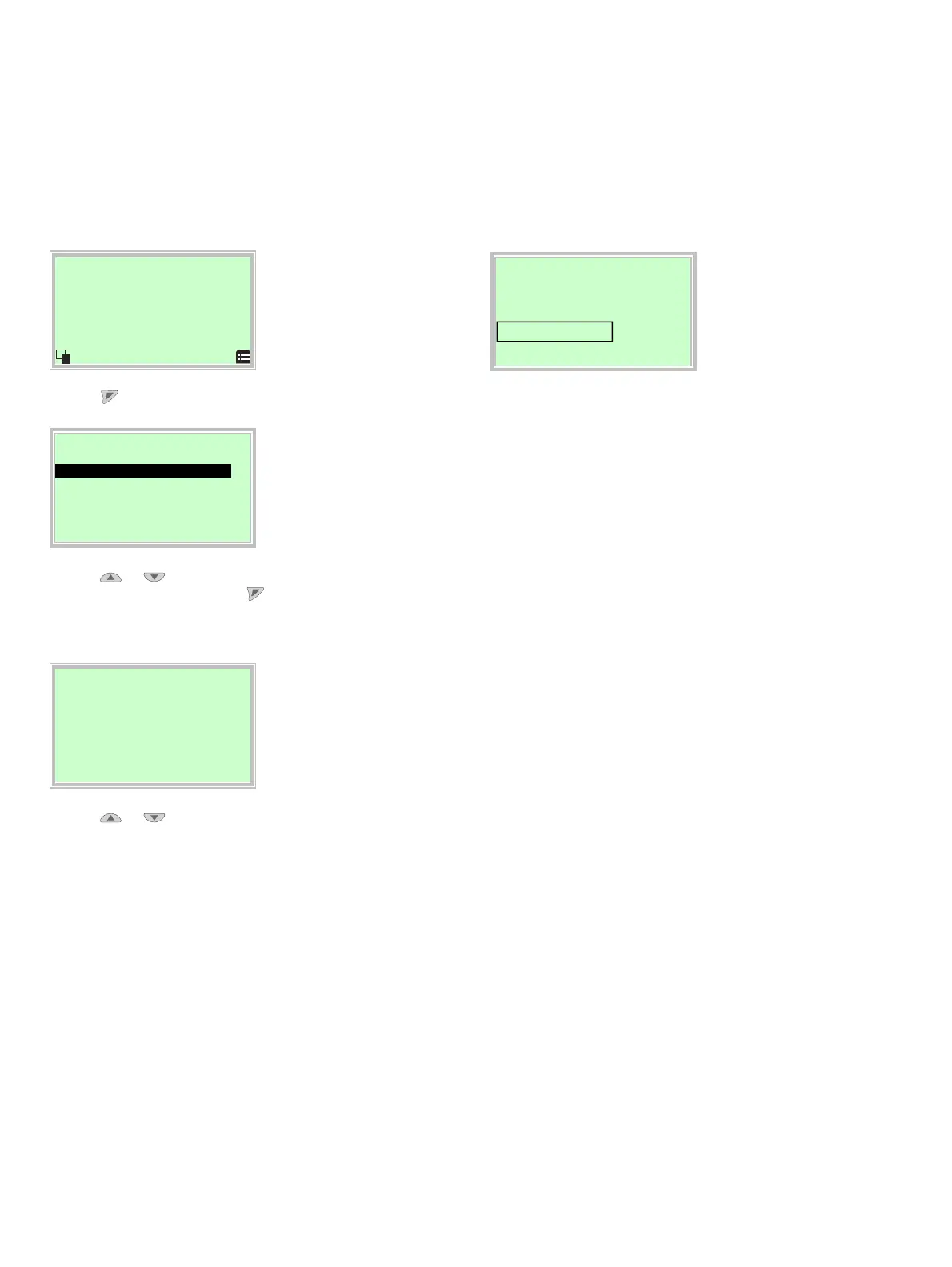
Start automatic adjustment
The Auto Adjust function of the device can be configured and
started in the ‘Operating mode’ menu.
Process dis
la
1. Use to switch to the Operating Mode menu.
O
eratin
mode
Auto Adjust
O Adaptive
O Control
O Manual SP
O Manual Sensor
Back O
2. Use or to select the ‘Adaptive’ operating mode.
3. Confirm the selection with . Press and hold down the
control button for at least 4 seconds (wait for the time to
count down on the top left of the display).
Auto Adjust
Full Auto Adjust
Rotary
Linear
Exit
4. Use or to select ‘Actuator type’.
Select ‘Rotary’ for rotary actuators.
Select ‘Linear’ for linear actuators.
Note
The ‘Autoadjust Mode’ can be preset at the configuration level in
‘... / Easy Setup / Autoadjust Mode’.
Auto Ad
ust
Full Auto Adjust
Exhaust
Abort
The progress of the Auto Adjust function is shown in a bar
graph. The function can be terminated with ‘Abort’ if necessary.
Once Auto Adjust has been completed successfully, ‘Auto Adjust
Complete’ is displayed. The device then switches to the process
display automatically.
Note
Auto Adjust does not always result in optimum control
conditions.
When Auto Adjust is started via shortcut keys, the position of
the valve is determined automatically.



 To Next Page